Choose a question and layout
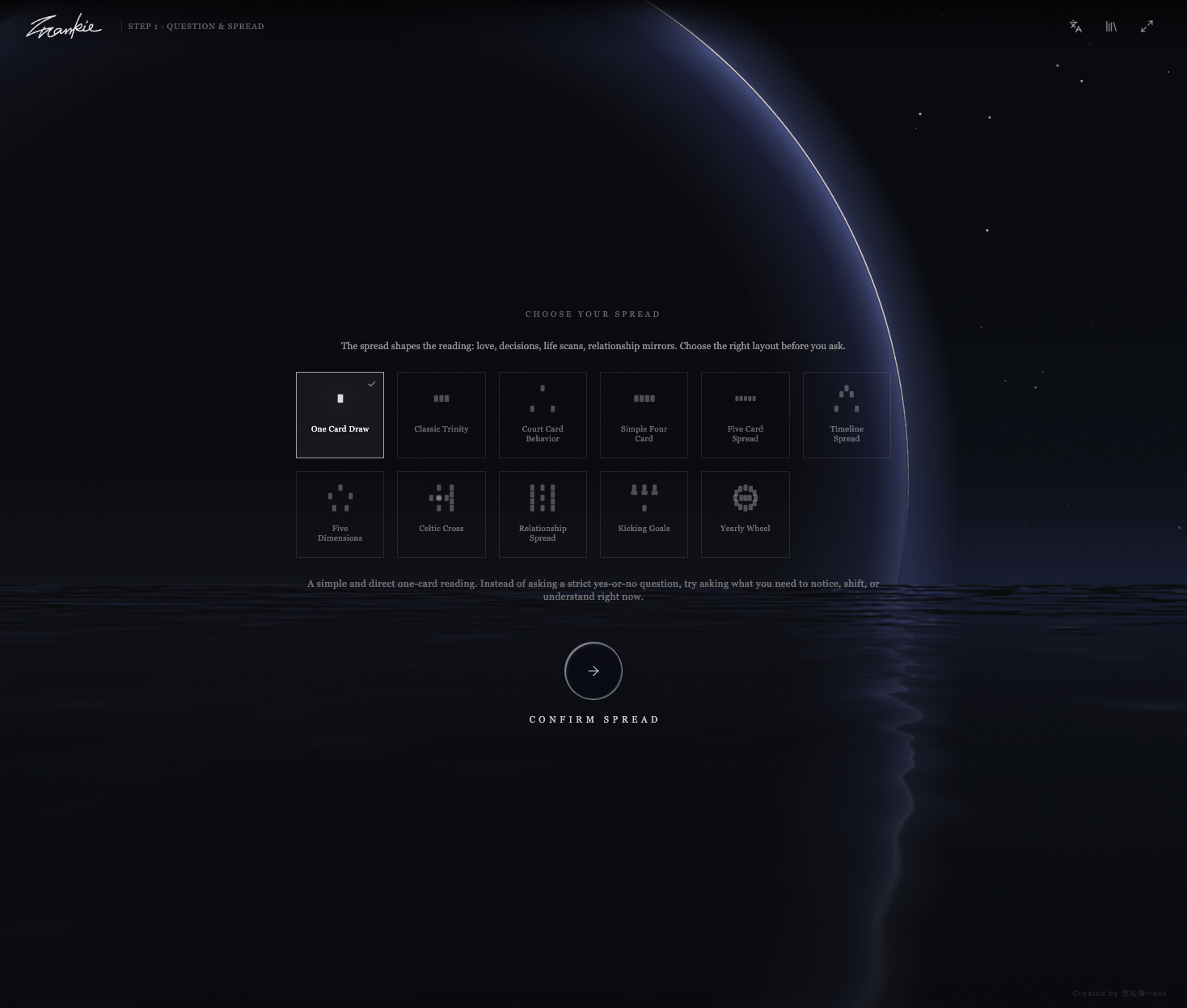
The current catalog includes a single card, Classic Trinity, Celtic Cross and other layouts. Each has its own number of cards, labels and guidance. Some positions draw from a specific card pool.
 TAROT
AURA / TAROT
Choose a layout, pick cards by hand, and explore their images before inviting an interpretation.
Open Tarot ↗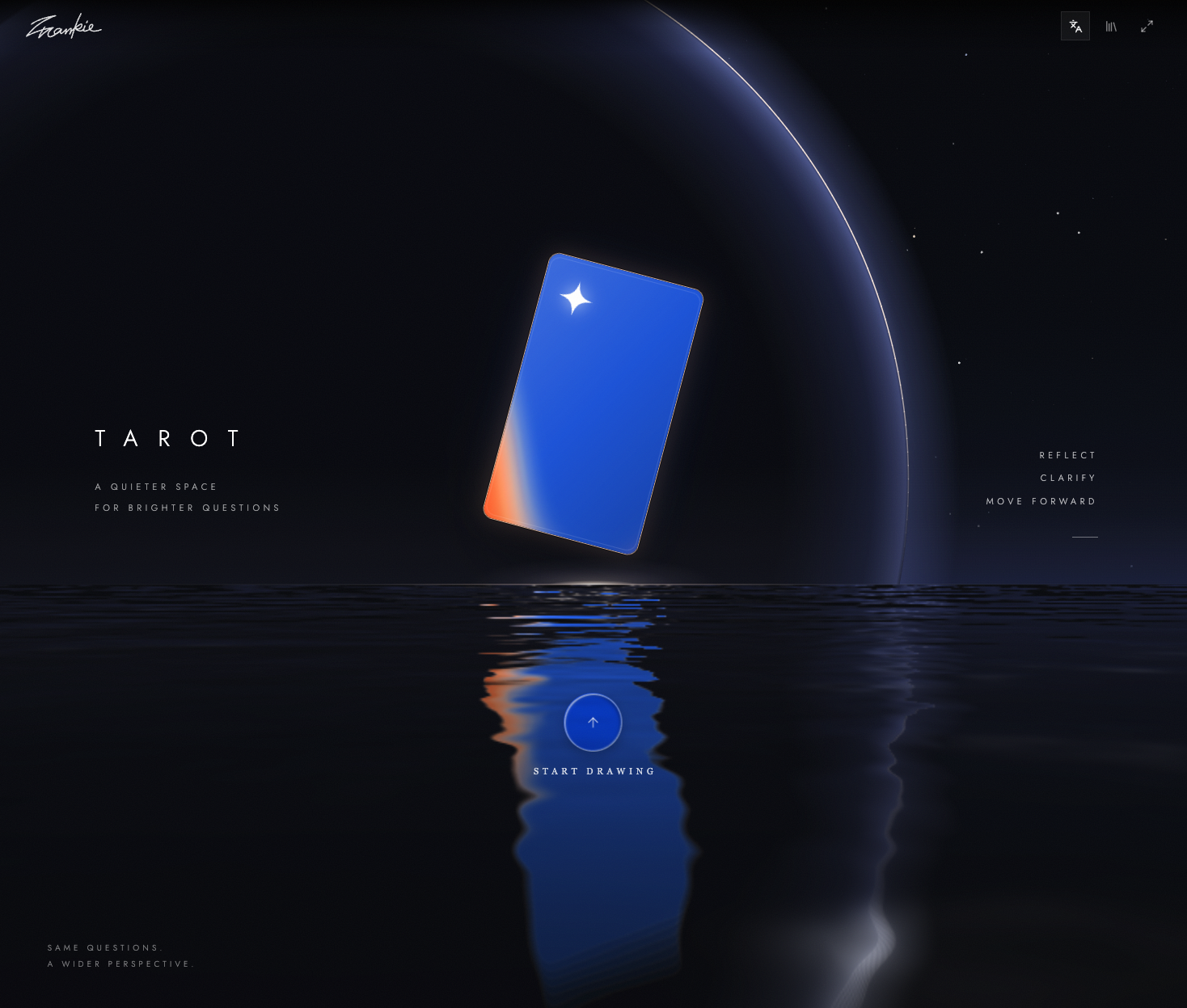
A spread is a set of labelled positions. The same card can be considered through a different question at each position. Choose the layout before you draw.
A small diagram using the app’s current API catalog. It does not draw cards or generate a reading. “Future” is the catalog’s position label, not a guarantee of what will happen.
The current catalog includes a single card, Classic Trinity, Celtic Cross and other layouts. Each has its own number of cards, labels and guidance. Some positions draw from a specific card pool.
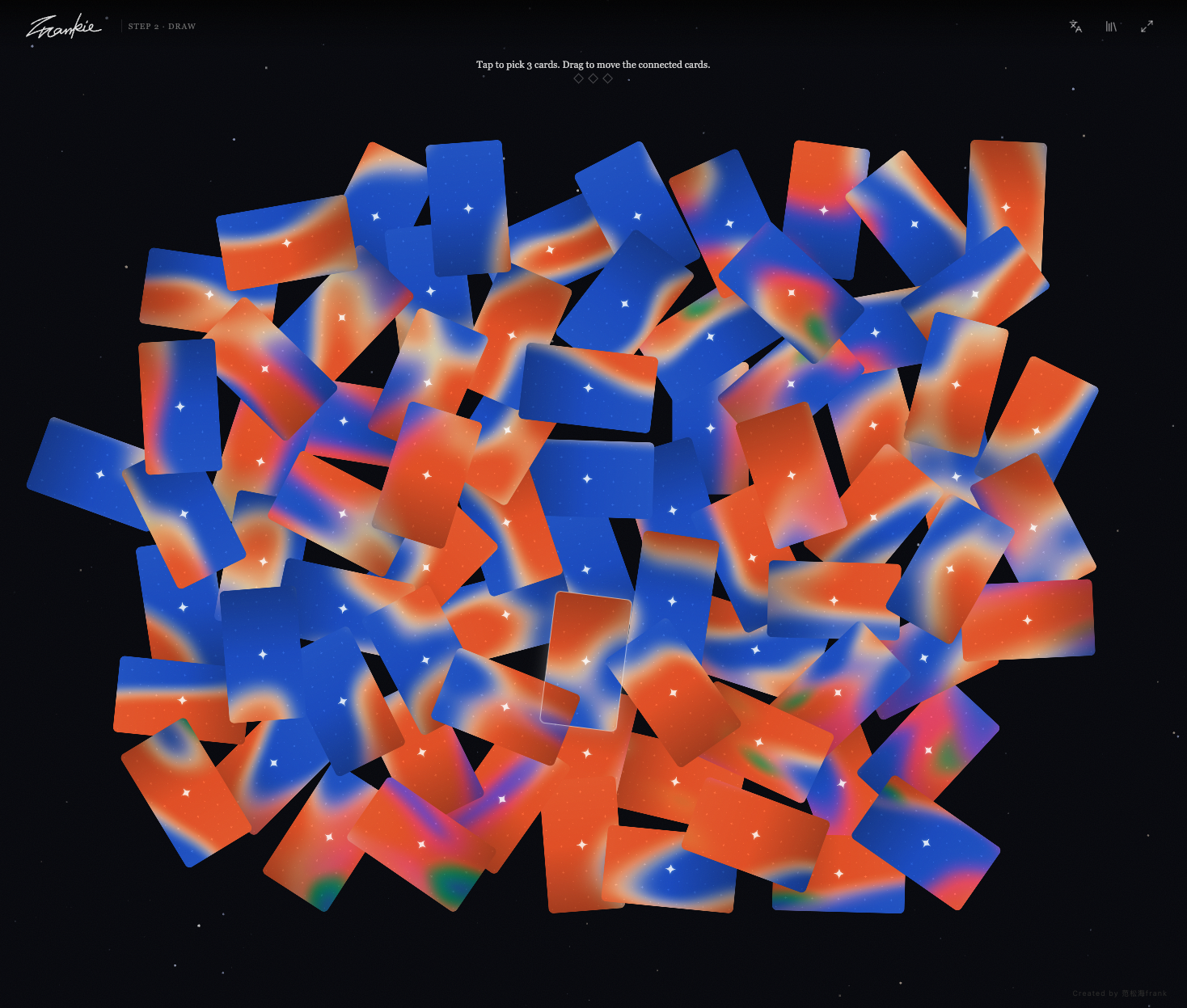
The app shuffles hidden cards behind the visible tiles. Tap a card to fill the next position; drag to move around the connected table. A selected tile is used once. Finish the required picks, then reveal the cards.
Cards can land upright or reversed. That orientation belongs to the dealt card and is retained with the table; it is not a reading generated by an AI.
The reading view brings your selected cards and position labels together. The web app prepares a prompt you can choose to open in an AI service; it does not automatically send a model request when you pick.
Start drawing, choose a layout and confirm it. Read its description, then enter your own question or use the suggested prompt.
Tap face-down tiles until every position is filled. The table moves into the reading view after the last pick.
Reveal the selected cards and consider each position. You can inspect the artwork before choosing an interpretation.
Open in AI lets you choose ChatGPT, Claude or Gemini. Save exports a reading image; Seek again starts a new table.
Dreamy Aura, Modern Arcana and the 1909 Historic pack pair a face style with a matching back. You can also customize them separately and browse by Major Arcana or suit. These change the presentation; they do not change which card a position contains.
Original Dreamy Aura artwork used by this app: The Fool and The Star.


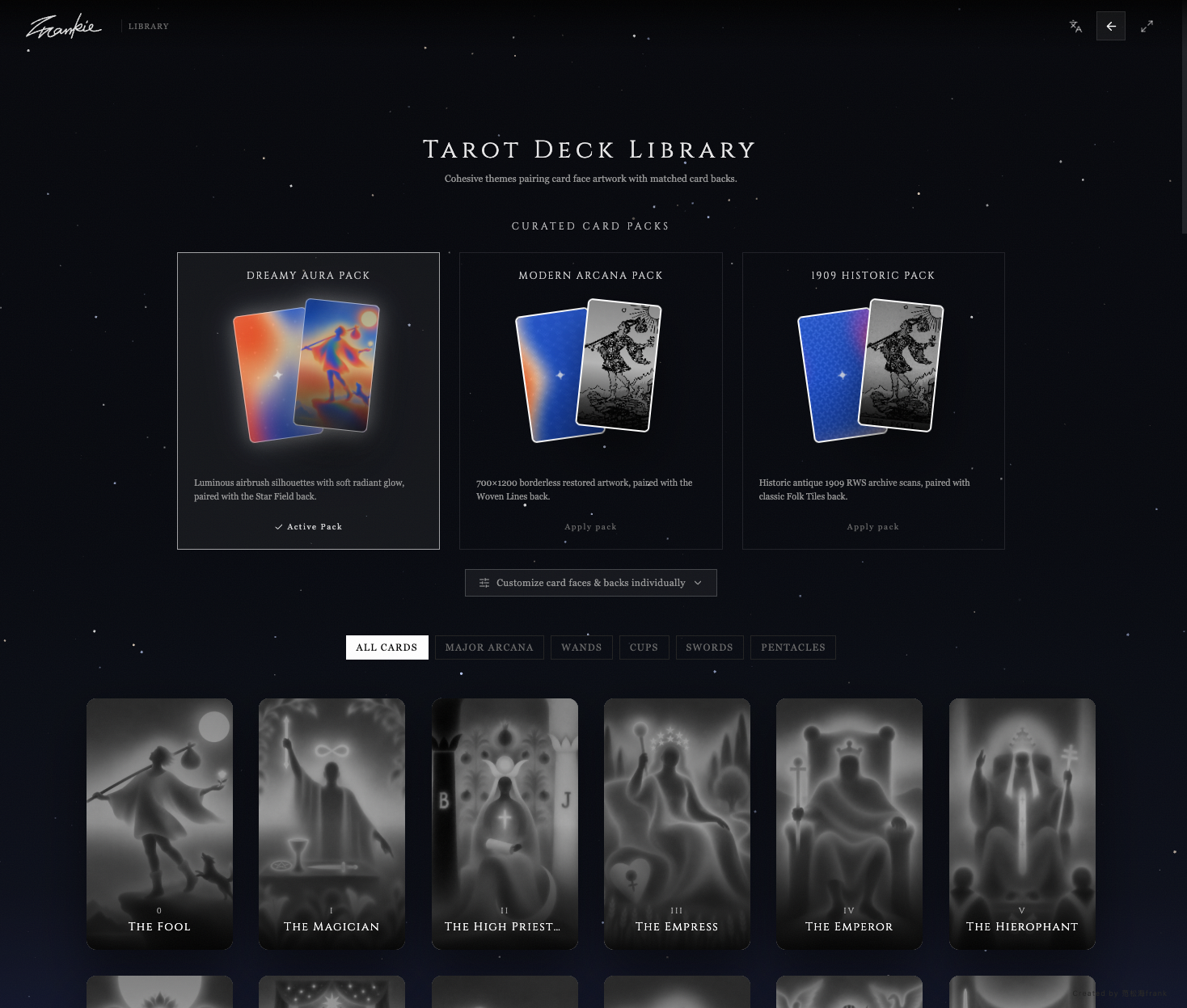

Drawing and revealing are browser interactions. Open in AI prepares your question and selected-card context for the provider you choose. Any subsequent conversation is with that service and its account terms.
The MCP-integrated version can attach a revealed card, request a brief reading or send the table into the current conversation. These host actions are different from the ordinary website; availability depends on the host connection.
The website stores the current table in this tab’s session storage, including hidden dealt cards, selected cards, reveal state and its pinned spread definition. Appearance preferences use local storage. This is not account sync or a permanent reading history.
The app loads cards, artwork URLs and spread definitions from the Tarot API. The standalone draw does not require your own model key, but it needs that catalog connection. Treat readings as reflection, not a prediction or professional advice.
Start Vite and use the URL it prints. By default the catalog comes from the hosted Tarot API. VITE_TAROT_API_URL can point at a compatible local or staging catalog; no model key is needed for manual drawing.
npm ci
npm run dev