Start with a built-in pack
Guest mode opens a single pack straight into questions. Packs span self-reflection, friends, partners, family, and imagined situations. Change the language to change both interface and available packs.
 Frankie Cards
Conversation cards for a shared table, a familiar friend, or a moment with yourself.
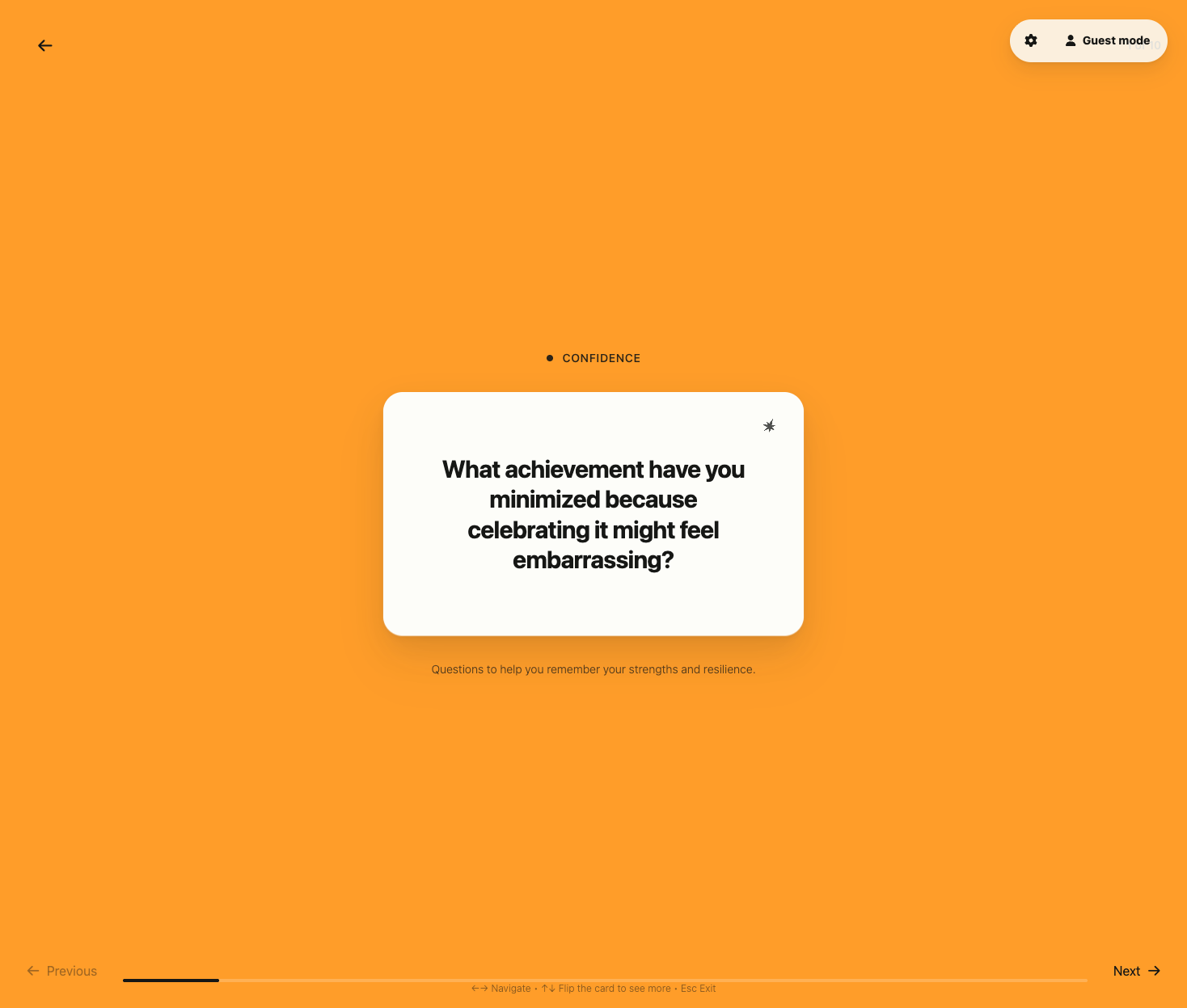
Pick a pack for the people and moment in front of you. Read one question, listen to the answer, and move on when you are ready. The app guides the prompts; the conversation happens between you.
Guest mode opens a single pack straight into questions. Packs span self-reflection, friends, partners, family, and imagined situations. Change the language to change both interface and available packs.
After signing in, Customize lets you combine packs, choose categories, and set the proportion of questions. Chaos Shuffle mixes non-ending questions across categories; ending cards stay at the close.
My Topics opens a card-based editor for categories, questions, reverse-side notes, and closing cards. Personal topics stay private until submitted for Community review.
These questions come directly from the bundled app data. This small preview has no account, saved answers, or AI request.
What is one difficult thing you handled better than the old version of you would have?
The rounded and pointed marks describe a question’s energy. They are not a score or a personality type.
Curiosity, detail, and story. An invitation to expand an answer.
A tension or contradiction. An invitation to look beyond a rehearsed answer.

The names borrow from the bouba/kiki sound-shape association: people often pair “bouba” with rounded shapes and “kiki” with pointed ones. Ćwiek et al.’s cross-language study examines that association. Using the shapes for conversation energy is this app’s design metaphor, not a tested relationship intervention.
In guest mode, browse the library and open a pack that fits the moment.
Use Previous and Next, or the left and right arrow keys. On touch devices, swipe horizontally. Cards with extra notes can flip.
On mobile, Alternate card direction can rotate every other card toward the person across the table. Switch it in Settings.
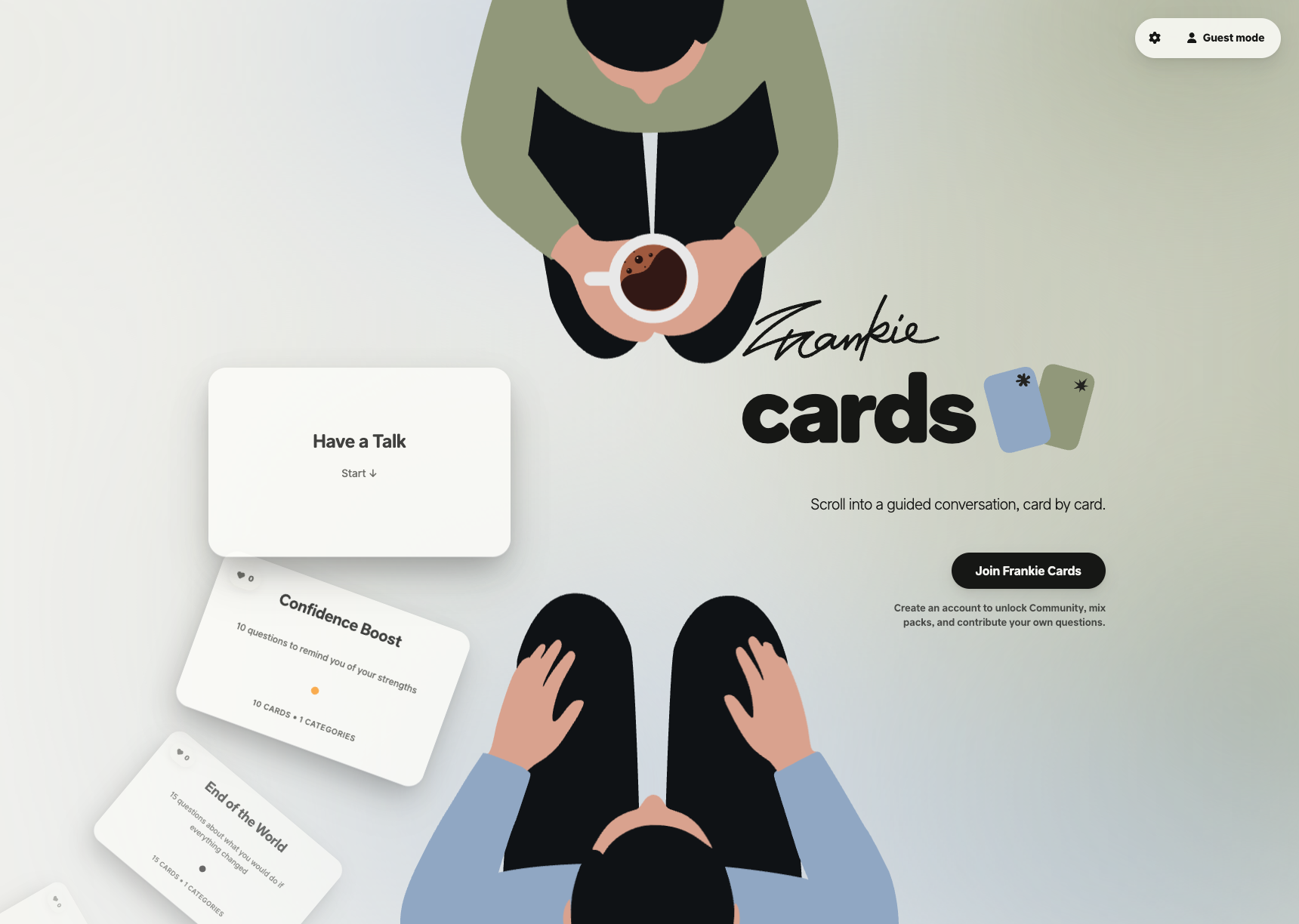
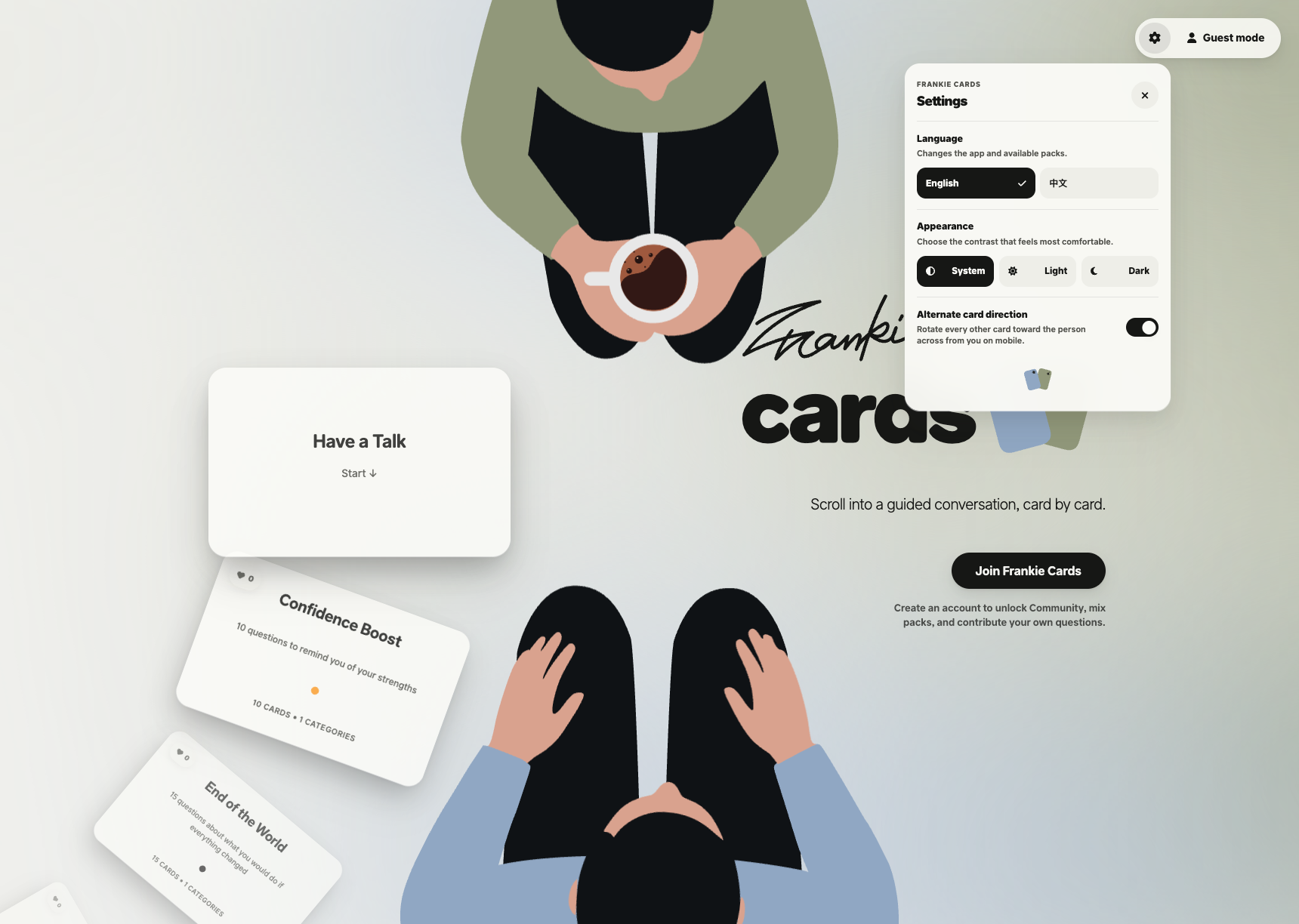
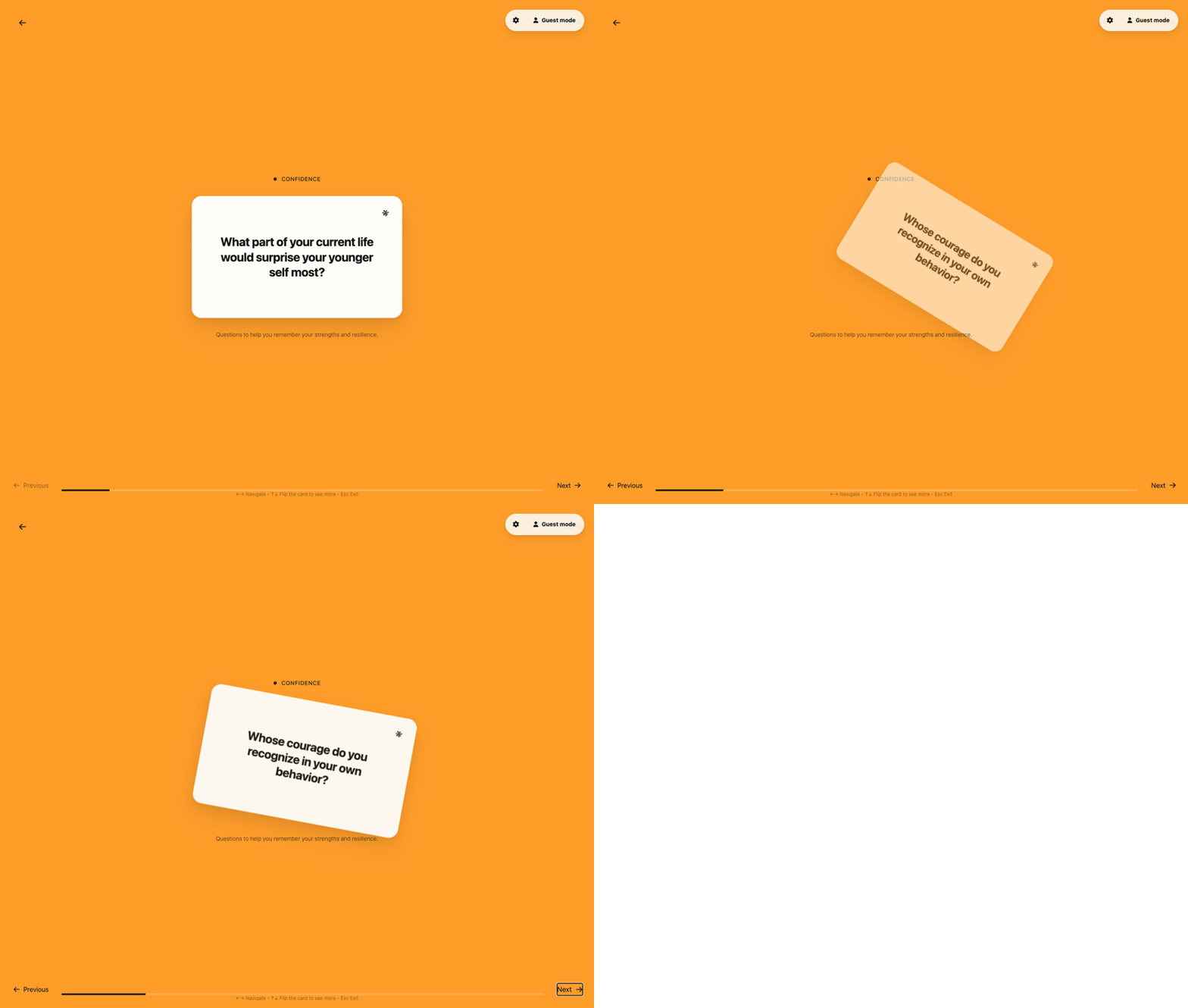
Built-in quick play needs no sign-in. Accounts unlock Community interactions, pack mixing, and your own saved topics. Authentication, topics, and likes use Supabase when configured.
The topic editor can draft cards through a provider you choose. Your prompt and settings are sent to that provider; the key is used for that request and is not saved by Cards. The introduction preview never calls a model.
npm ci
npm run dev
The standalone introduction builds with Python only. The app uses Vite; backend features require the project’s documented Supabase configuration.
Asset & content update guide ↗