Make the board yours
Choose 3 × 3 through 9 × 9; switch digits to letters; use square, colored, circular or Voronoi cells. Direct, reverse and random orders change the sequence you must follow.

 BRAINWEB
SCHULTE GRID / QUICK MATH
Two small practice spaces: visual search with Schulte grids, and a minute of mental arithmetic.
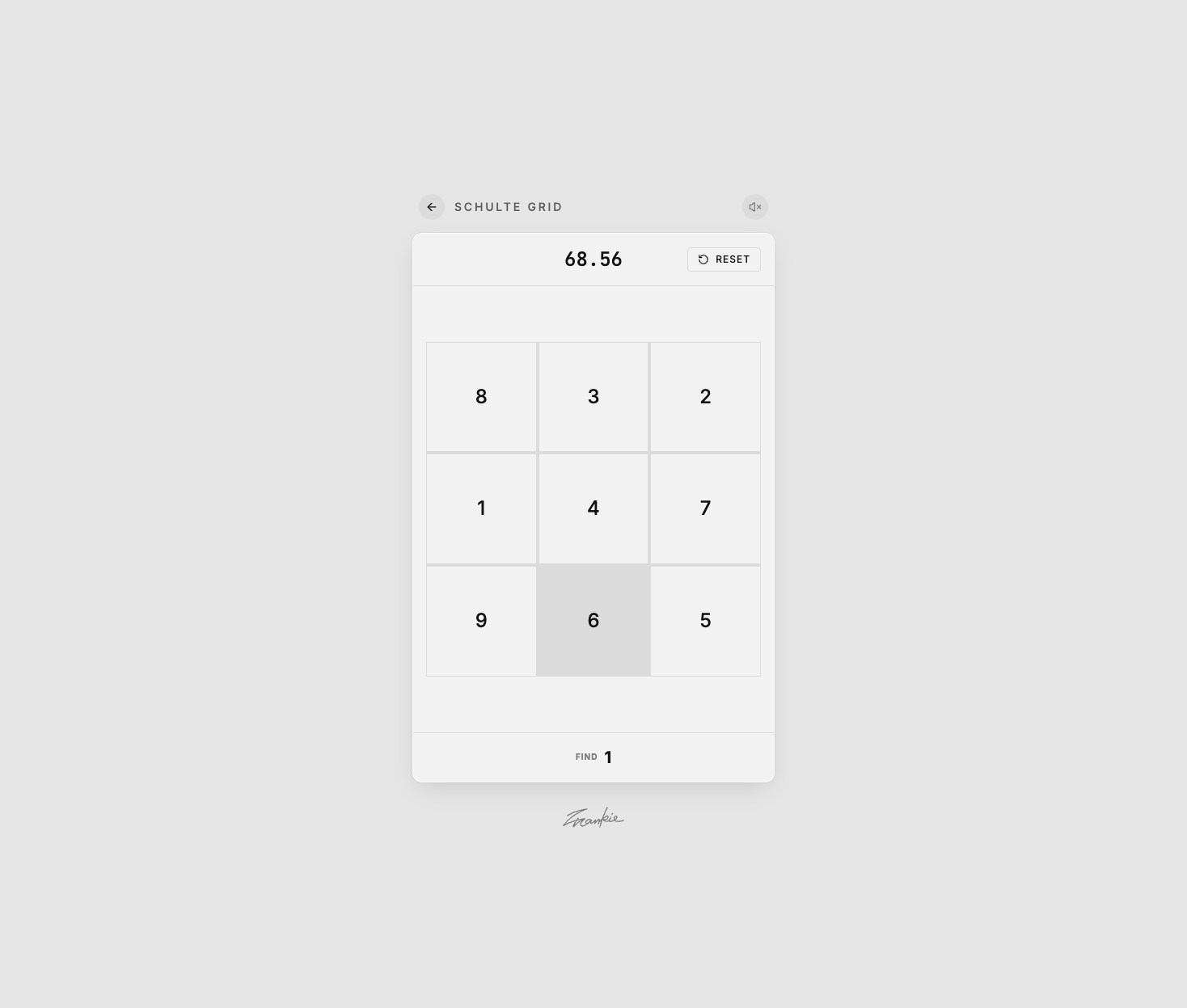
A shuffled board turns a familiar sequence into a visual search task. In the default game, find 1, then 2, then 3, without skipping ahead. The clock stops when you find the final number; a wrong tap counts as a mistake.
Choose 3 × 3 through 9 × 9; switch digits to letters; use square, colored, circular or Voronoi cells. Direct, reverse and random orders change the sequence you must follow.
The Gorbov preset alternates matching values: black 1, red 1, black 2, red 2. This app’s rule is shown explicitly, so you do not have to guess which color comes next.
Save custom presets. Shuffle on click changes cell positions after a correct tap. Targeted mode becomes available once recorded rounds identify slower values and cells.
Find 1
A 3 × 3 introduction, adapted from the app’s grid and ordering rules. This demo does not save a practice result.
Some questions ask for the result. Others hide an operand. Type the missing number; a correct answer advances automatically. There is no submit button.
Each round lasts 60 seconds. The score is the number of correct answers; mistakes are recorded separately.
12 + 7 = ?
18 − ? = 11
? × 6 = 42
A finish time tells only part of the story. Brain keeps the taps and timing needed to revisit your own sessions.
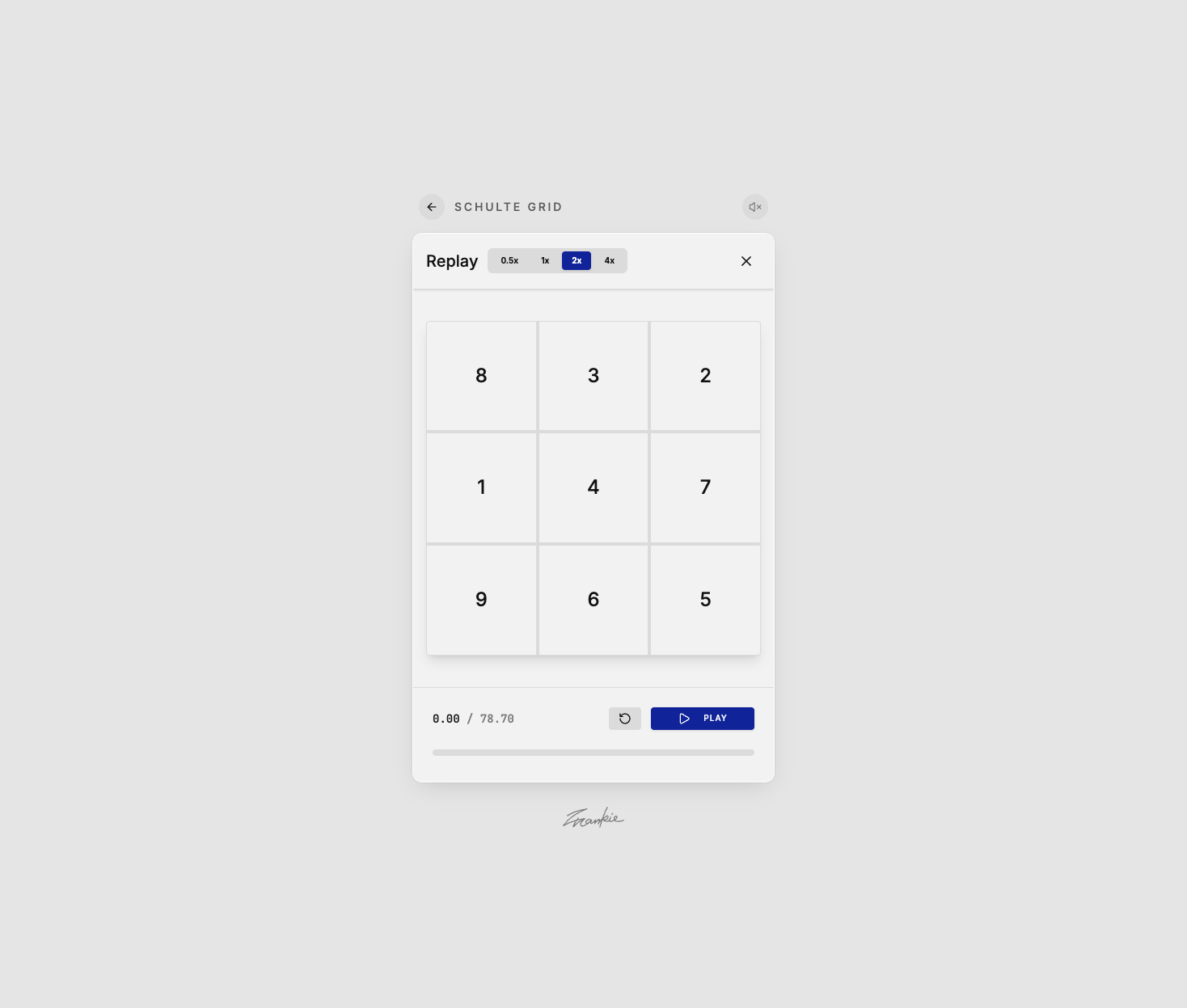
Play, pause or scrub a recorded Schulte round at 0.5×, 1×, 2× or 4×. On pointer devices the replay can also show the recorded cursor path.
Schulte Insights shows timing history, per-number reaction distributions and a spatial heatmap. Quick Math breaks attempts down by operation and response time.
Look at best and average results for the selected settings. A 3 × 3 grid and a 9 × 9 grid are different tasks; faster is meaningful only with that context.
Start with Schulte Grid or Quick Math.
Use Default for a 5 × 5 grid, or open Advanced. For arithmetic, choose Easy, Medium or Hard.
Finish the sequence or the 60-second round, then check the result, replay or Insights.
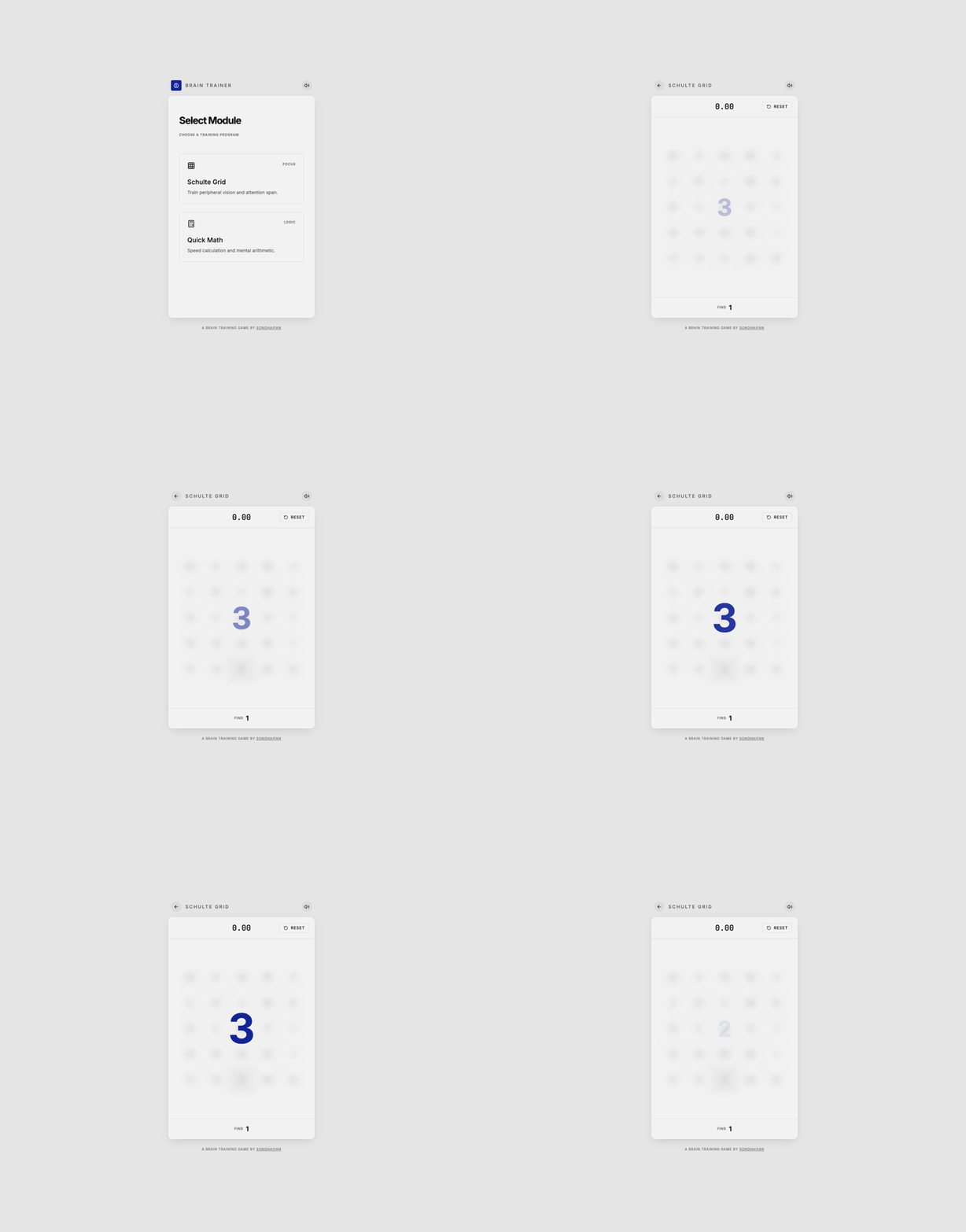
Real app screens, from choosing a module to reviewing a finished round.
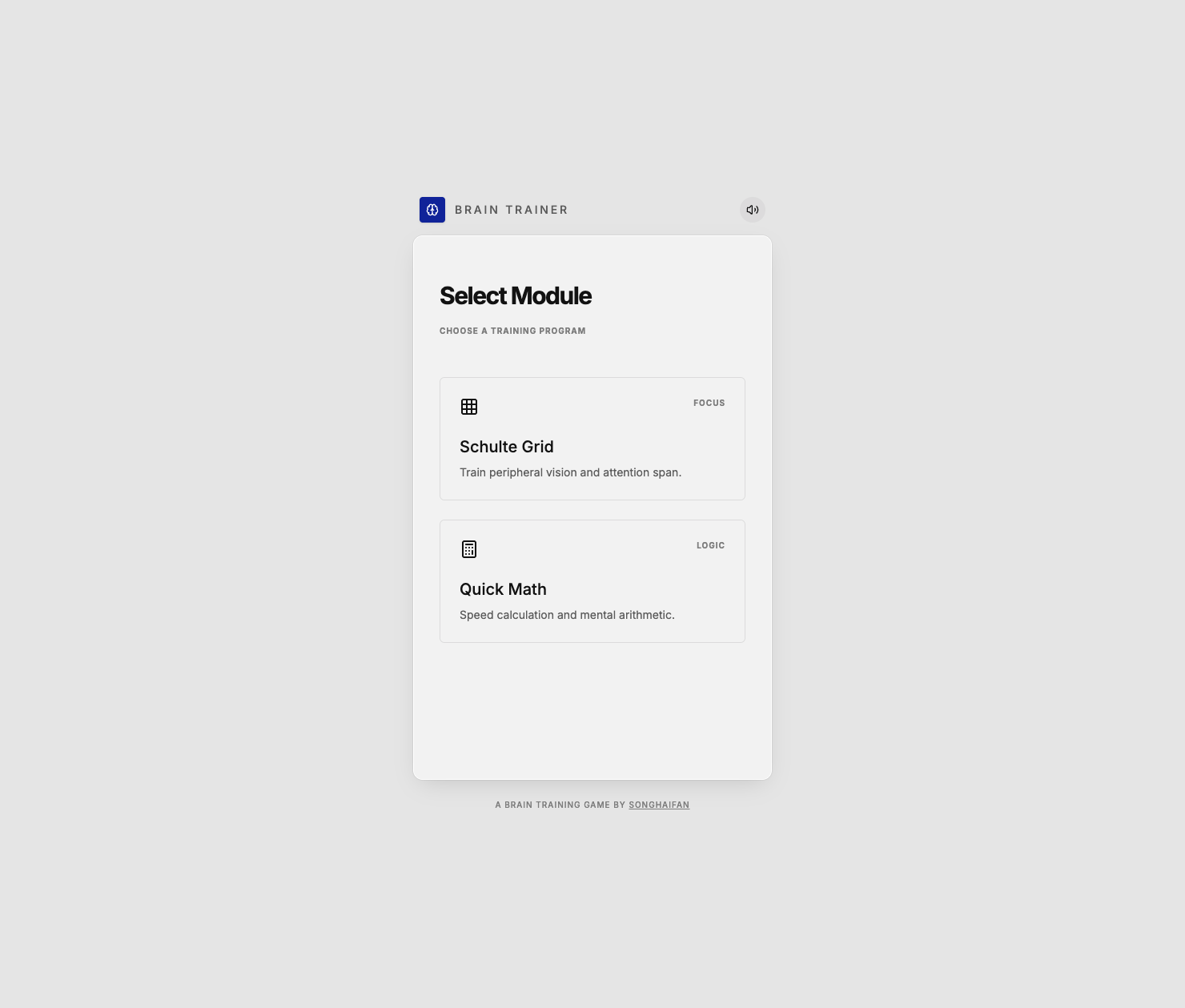
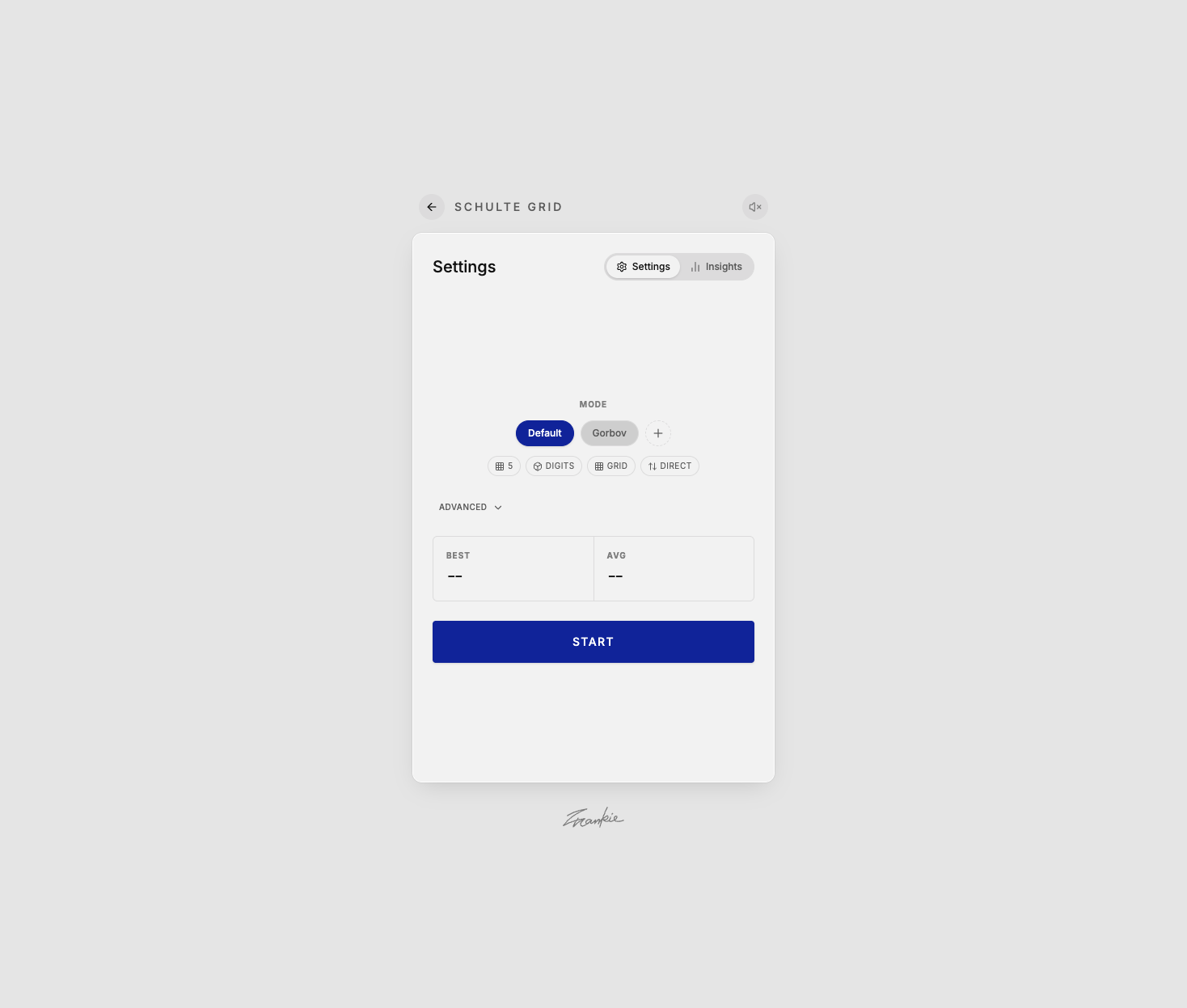
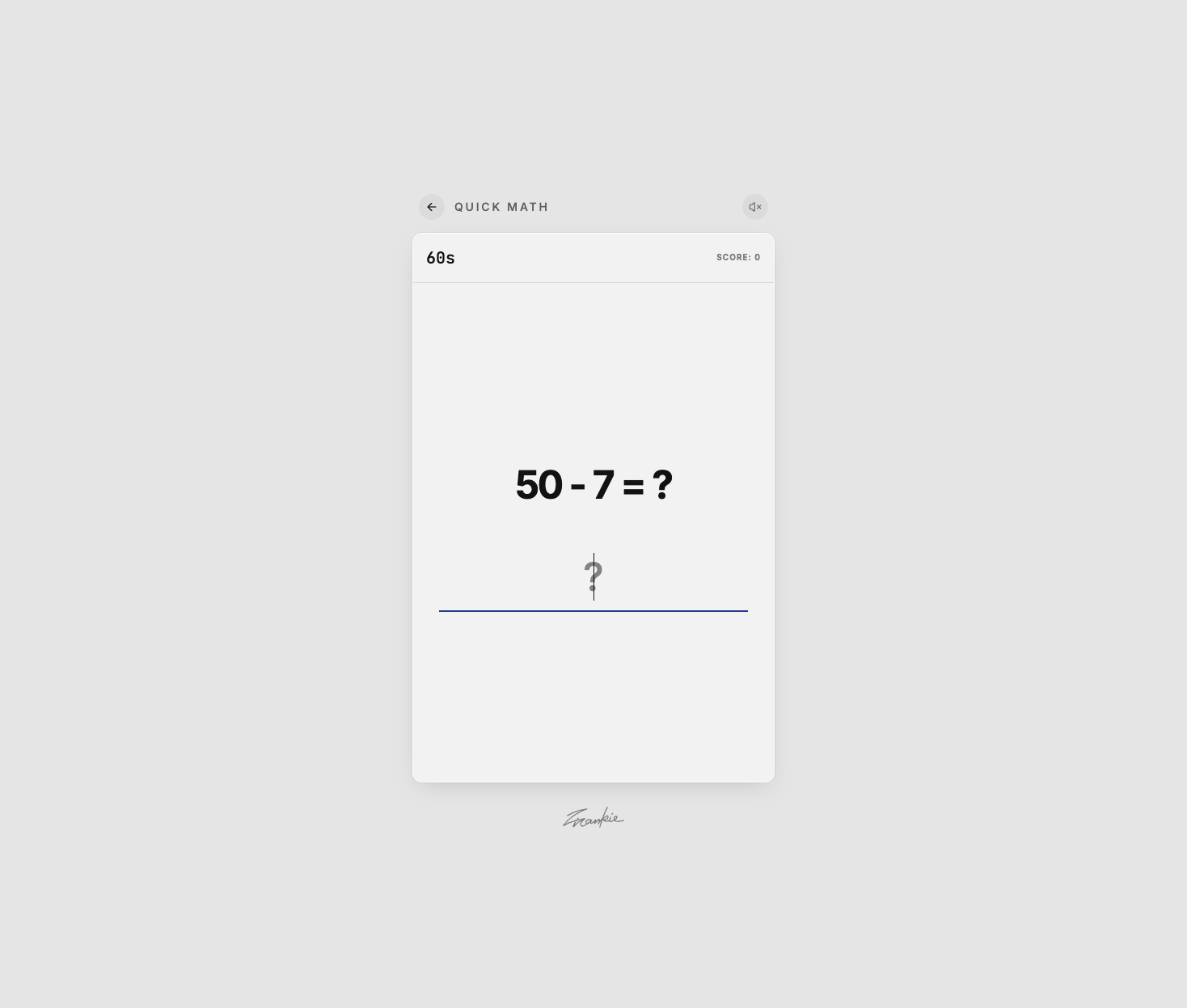
The web app runs in your browser. No account or model API key is needed for either module. Results and presets are stored locally on this browser and origin; they do not sync with another device or the iOS edition.
Treat the charts as a record of these tasks. A better practice score is not an IQ or health assessment. For the distinction between trained-task gains and broader transfer, see Owen et al.’s controlled study, Putting brain training to the test (2010).
npm ci
npm run dev
Install dependencies, start Vite, then open the address it prints.
Brain for iOS is the same app family, built for iPhone and iPad. Web history remains separate.
Explore the iOS edition ↗