A room, not an account
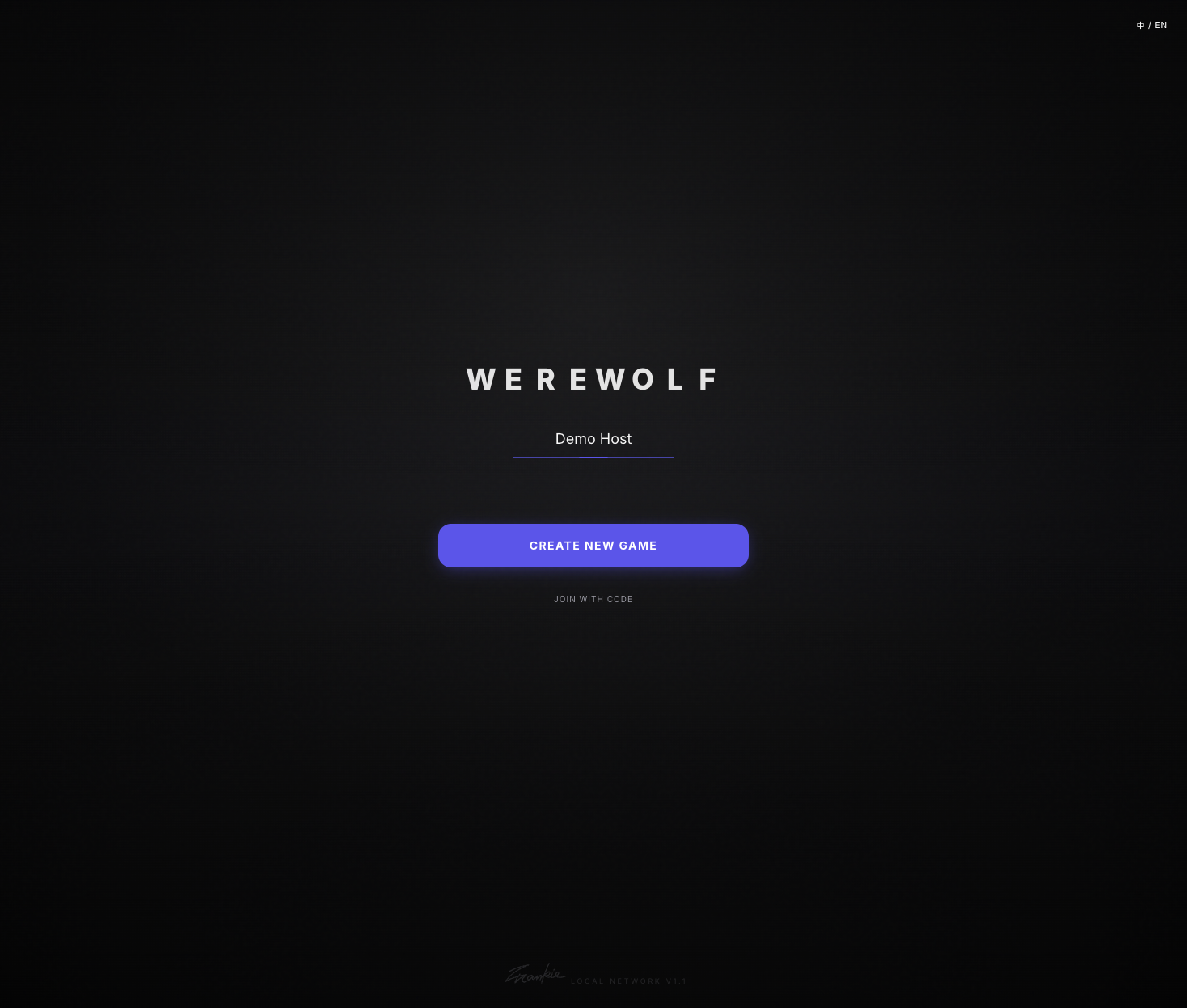
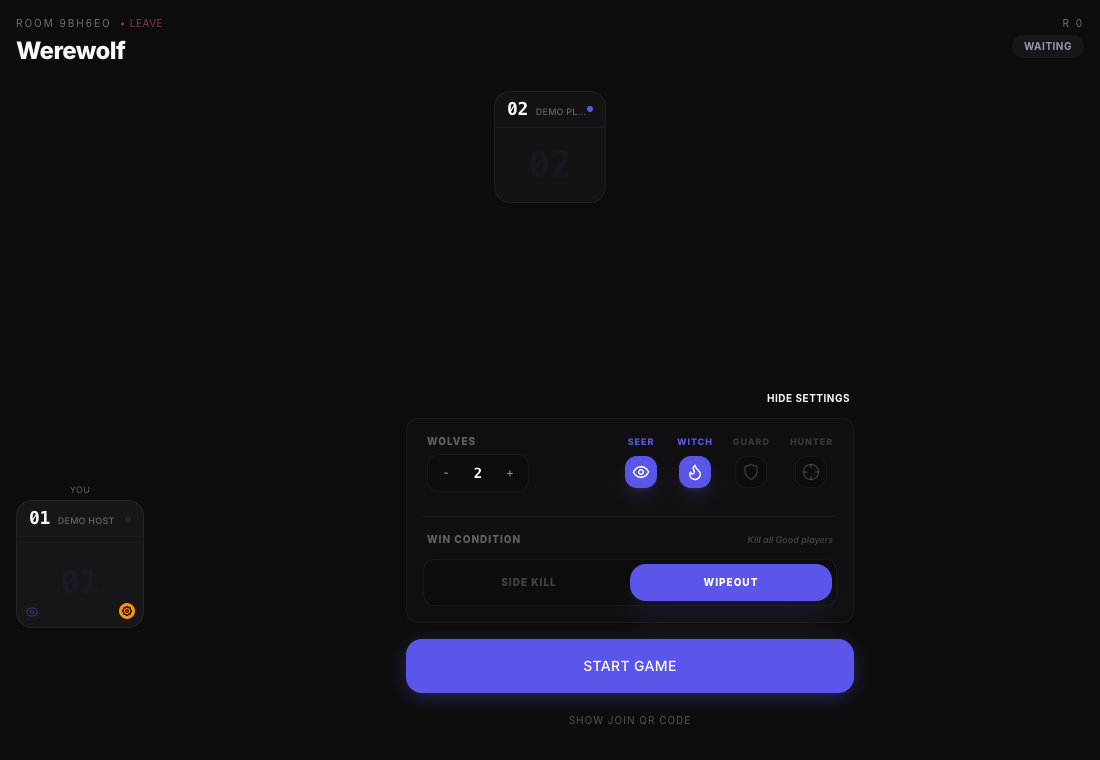
Choose a name, create a room and share its code or QR link. Other players ready up; the host starts and can adjust the role setup.
Play Werewolf together on local Wi-Fi. Phones hold the roles; your group supplies the conversation.
Set up a local table ↓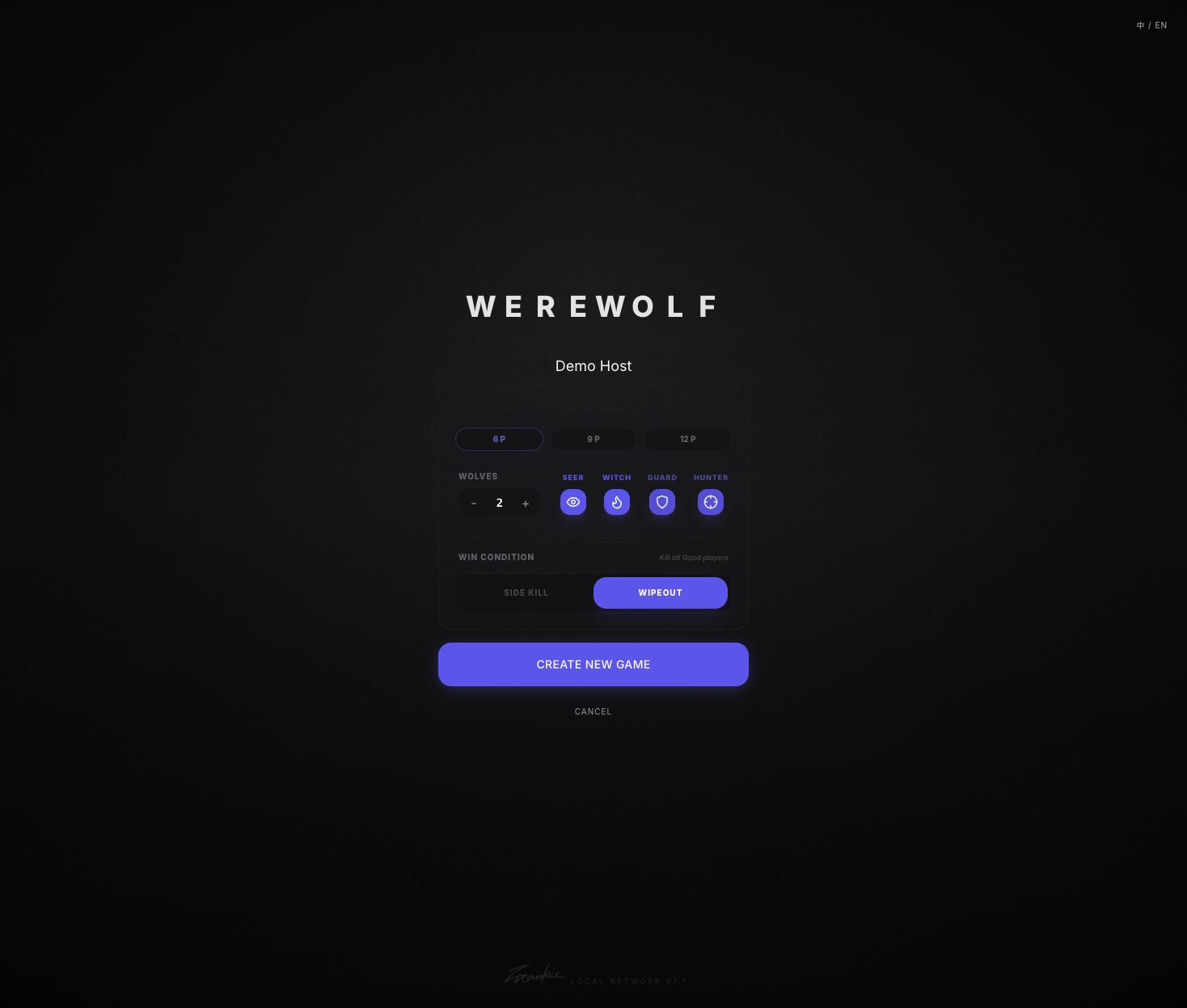
Run the game on a computer. Each person joins its room in a browser, checks their own identity, and follows the current phase. This is an in-person social game with shared state, not an online matchmaking service.
Choose a name, create a room and share its code or QR link. Other players ready up; the host starts and can adjust the role setup.
Living players receive their own role and available actions. Wolves can recognize their teammates. Dead players and the finished table can see more information, so keep eliminated players out of the discussion.
The app orders speeches and votes. Speak in the room, then press Done to pass the turn. There is no built-in voice call, transcription or AI opponent.
These compositions come from the actual 6 / 9 / 12-player buttons. This preview does not create a room or assign identities. If fewer people join, the server can rebalance the deck.
 2Wolf
 2Villager
 1Seer
 1WitchWolf
Choose a night victim. Wolves can propose a target to one another before the action.
VillagerListen, discuss and vote during the day. No special night action.
SeerCheck one target at night for Wolf or Good; this is not a reveal of every exact good role.
WitchOne save and one poison for the game. Saving yourself is blocked after the first night. Finish with Do nothing to advance.
 Guard
Protect a player at night. This implementation blocks self-protection and the same target on consecutive nights.
 Hunter
A death can open a final shoot-or-skip decision. Night poison prevents the shot.
The start gives players time to reveal their role privately.
Existing roles act in Guard → Wolves → Witch → Seer order; absent roles are skipped.
Daytime announces results, orders speakers, collects votes and handles tied candidates with a second speech/vote round.
Elimination, last words and any Hunter decision resolve before the next cycle or a winning side.
Good wins when no wolves remain. Both configurations also award wolves a win when their surviving number reaches or exceeds surviving good players. Side Kill additionally checks whether all ordinary villagers or all special good roles are gone. The Wipeout label is therefore not the only condition the server checks.
Phase messages are spoken with the host browser’s speech synthesis in zh-CN, using an available Chinese voice. Other player browsers do not speak the same cues. Voice availability and audio playback depend on that browser; the English interface does not turn these announcements into English.
Install and run the client and server, then open the frontend address printed in the terminal. Keep that computer running.
Enter a name, create a game and choose a preset or role toggles. Use the matching number of real people for the intended preset.
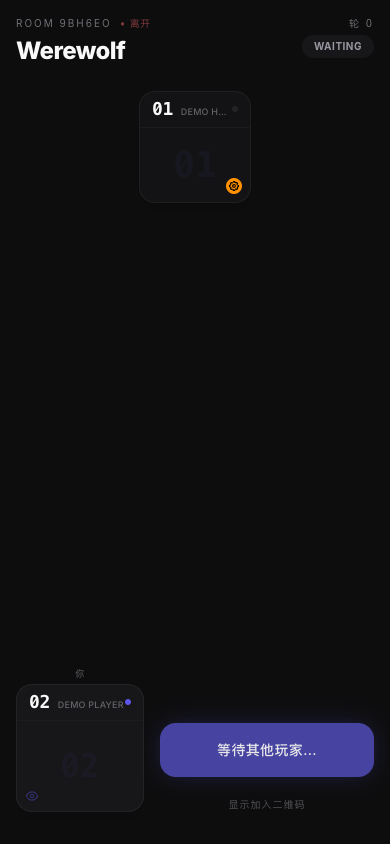
Connect to the same Wi-Fi and open the host computer’s LAN address. Use its room code or Show join QR code. A phone’s localhost is the phone itself.
Each guest taps Ready. The host starts when everyone is ready; follow the role action, speech and voting controls.
The server holds active rooms in an in-memory Map. Restarting it loses those games. There is no account, cloud save, replay archive or match database.
The browser saves a room and player identifier in sessionStorage for reconnecting while that server room still exists. It is not an account recovery system.
Room codes are ways to find a table, not account credentials. Run this prototype among people on the same trusted network; this intro does not publish your host to the internet.
Development runs the Node/Socket.IO server and the Vite client together. The backend starts at port 3000 and tries the next free port; a local .port file tells Vite where to proxy. Vite normally uses 5173. Use the actual addresses printed, allow local firewall access, and avoid isolated guest Wi-Fi.
For a built client, run npm run build --prefix client, then npm run server. Express serves client/dist and Socket.IO from its selected port. GitHub Pages only serves this introduction; it cannot run the room server. No Vercel app or AI key is required.