Turn a list into pages
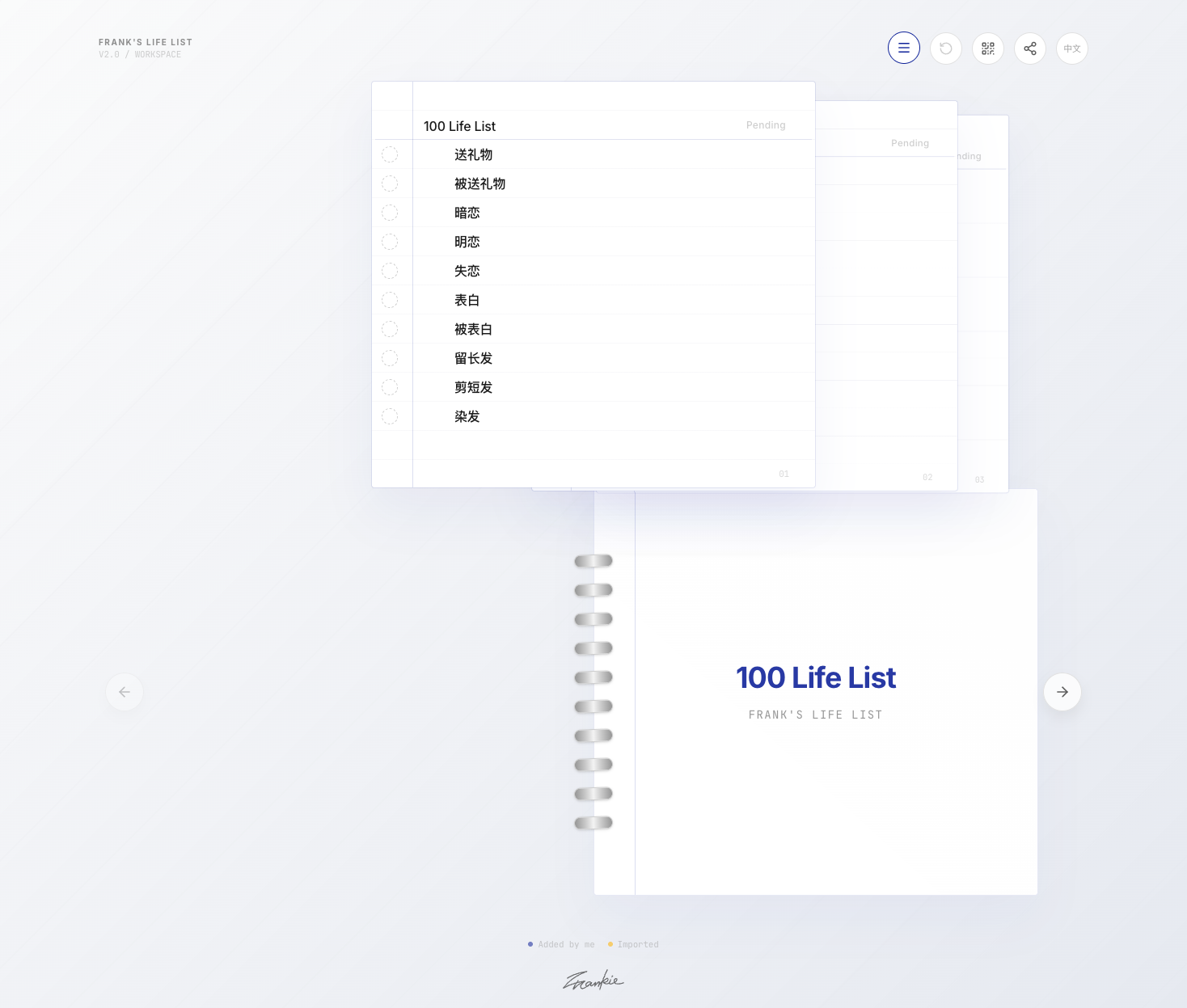
Desktop notebooks have a cover, ruled pages and a back cover. Each content page holds ten items. Open the stack to move through them; mobile uses a compact list.
 List
Collect experiences and everyday tasks in notebooks, mark them off, and compare a shared list with someone else.
Open List ↗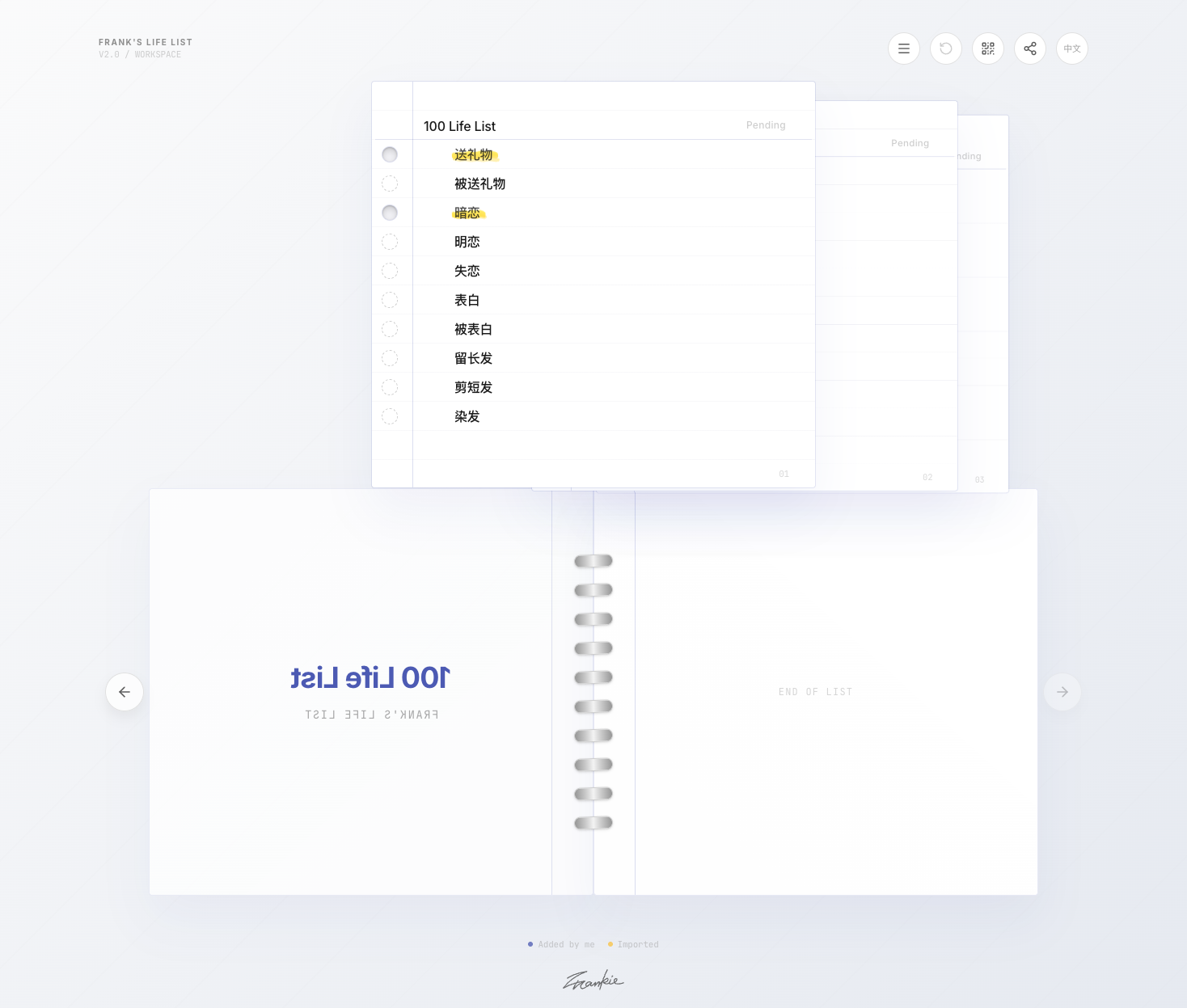
Start with the bundled 100 Life List, or make a notebook for travel, shopping or the things you want to try. Each notebook keeps its own items and completion marks.
Desktop notebooks have a cover, ruled pages and a back cover. Each content page holds ten items. Open the stack to move through them; mobile uses a compact list.
Tap the punched-hole checkbox. A yellow marker stroke keeps completed items readable. When all ten items on a full page are checked, that page moves to the completed stack.
Add or remove items inside a notebook and add blank pages. The gallery keeps separate notebooks together, so a grocery list does not have to share a page with life goals.
A shared link contains one notebook and the sender’s marks at the time it was made. Open it, review your own answers, then choose Compare this group.
| Me | Shared snapshot | |
|---|---|---|
| Take a walk alone | ||
| Travel with friends | ||
| Learn a language | ||
| Give yourself a gift |
A small unsaved example using the app’s four comparison rules. These sample items come from the bundled list; English labels are explanatory translations.
The app compresses the selected notebook and its completion marks into the link’s query string. The QR code contains the same link. Later changes do not update a link you already sent; create a new one to compare again.
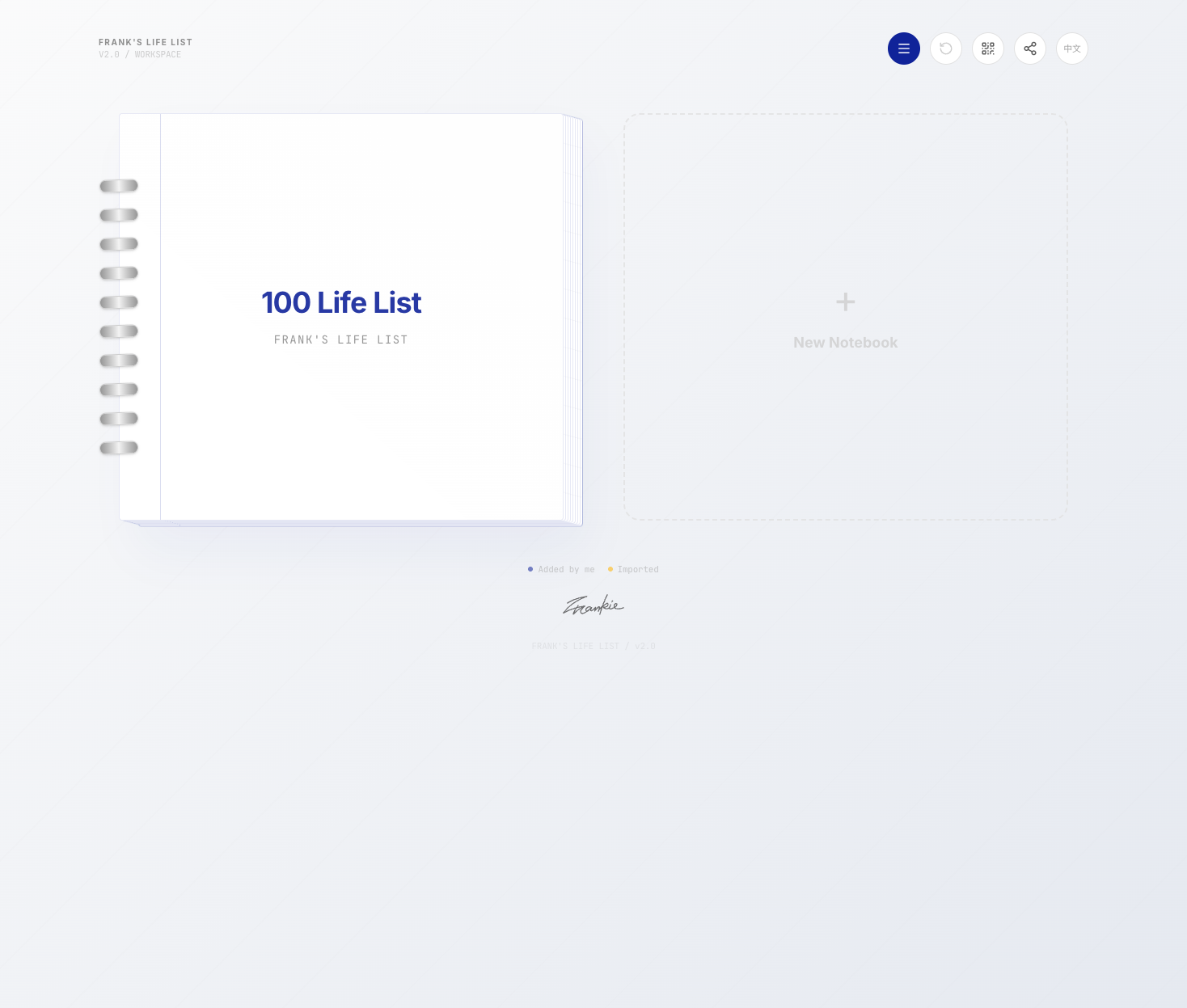
Choose the default list, or use New Notebook to create a separate group. Open its stack and move past the cover.
Keep the list personal. Add a task or experience, then tap its checkbox when you have done it.
Use Share Link or QR Code. Review what the notebook contains before passing the link to someone.
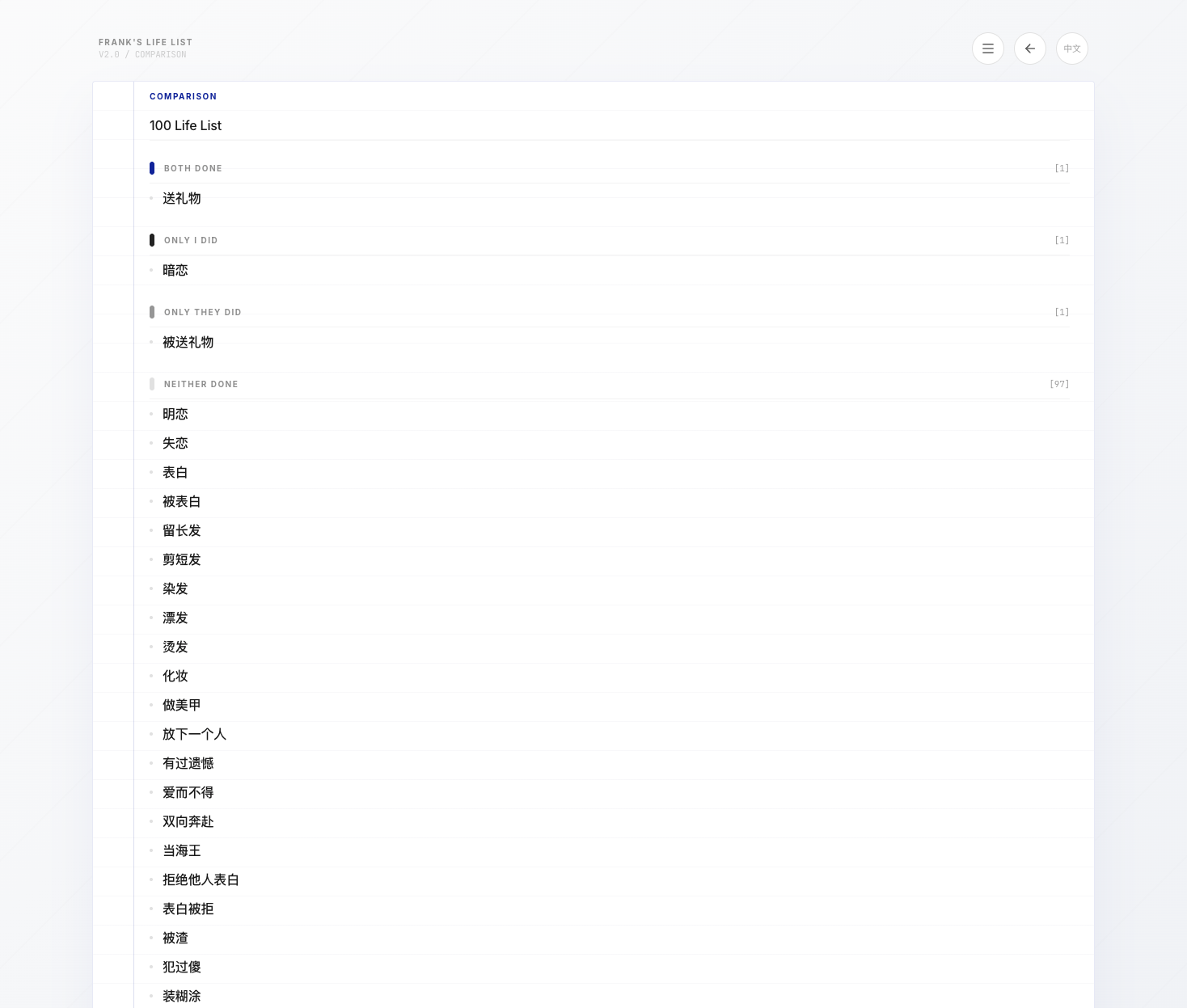
The recipient opens the snapshot, checks their own items, then selects Compare this group to see the four result groups.
Notebooks, marks and page state are kept in this browser’s local storage. No account or remote list database is needed for the current workspace. Another browser or app address has a separate copy; clearing site data can remove your records.
The local archive uses encryption, but its key is derived from an identifier stored in the same browser. It is not a password vault. Shared links use compression, not encryption: anyone with a link can read the included notebook and marks. Avoid putting private material in a link.
npm ci
npm run dev
The ordinary notebook and comparison flows do not need an AI key or account. Use the URL printed by Vite. A saved link is a snapshot, not a complete automatic backup of every notebook.
Screenshot & content maintenance guide ↗