Where attention tends to go
Extraversion and Introversion concern outward and inward focus.
Switch a preference, open a profile, and explore the functions and perspectives behind sixteen personality types.
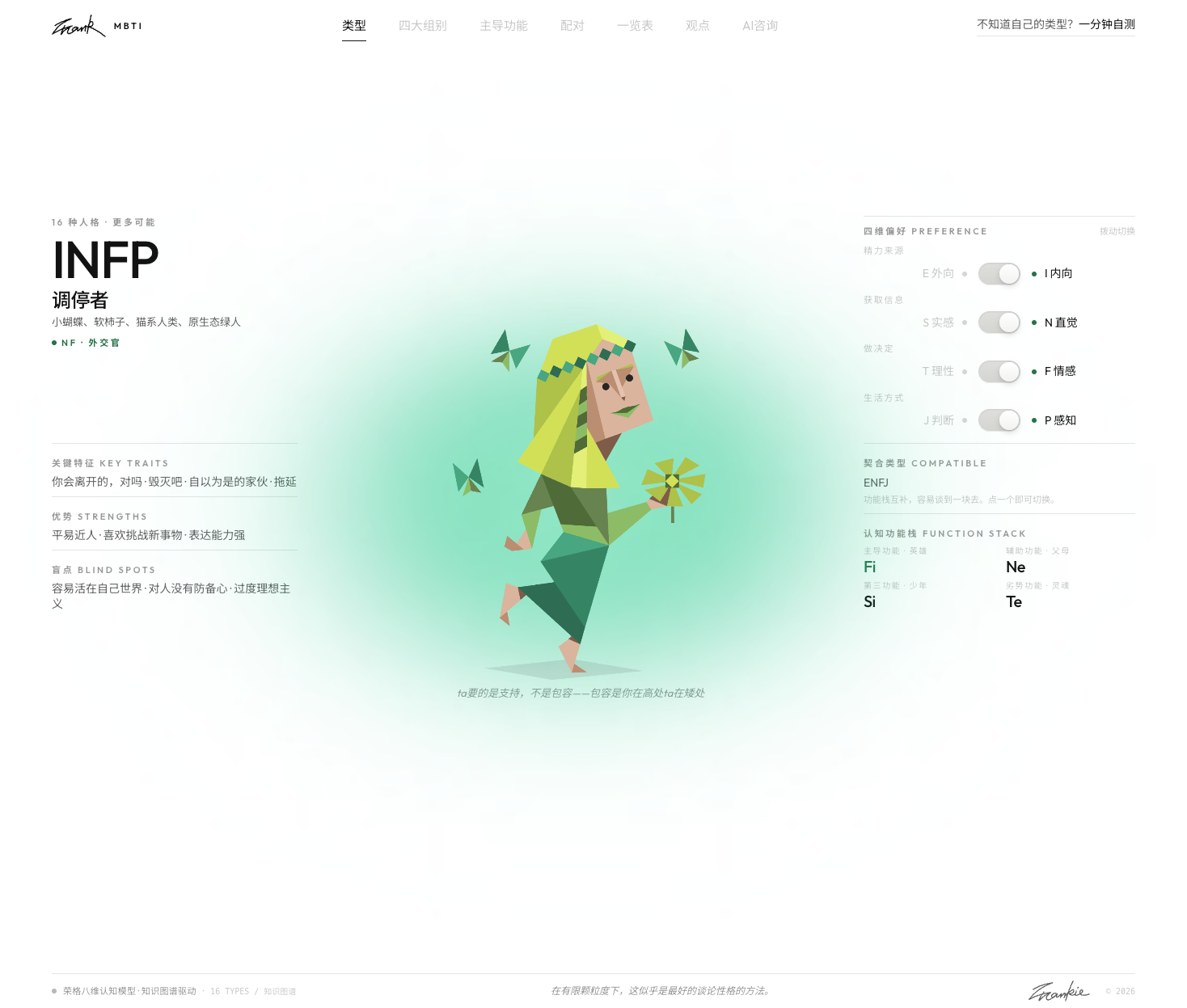
Each position represents one preference pair. Change a letter to explore another type; this is navigation, not a measurement of your personality.
Extraversion and Introversion concern outward and inward focus.
Sensing favors concrete information; Intuition looks for patterns and possibilities.
Thinking emphasizes logical criteria; Feeling considers values and people.
Judging favors structure and closure; Perceiving keeps options open.
Preference language follows the Myers & Briggs Foundation’s overview. Both sides of each pair are used; these are preferences, not measures of ability. Myers & Briggs Foundation ↗
A small adaptation of the real stage switches, using the app’s current profiles, function stacks and original character artwork. Nothing is saved.
Profile titles and artwork remain as they appear in the Chinese-language app.

The profile puts four cognitive functions in an order: dominant, auxiliary, tertiary and inferior. Open a function to read its definition and the app’s interpretation of that slot.
For INFP the bundled stack is Fi → Ne → Si → Te. In this notation, F is Feeling and i means introverted orientation; Ne is outward-oriented Intuition. This is the app’s type-dynamics model, not a scan of how a brain operates.
See the four color families: NT, NF, SJ and SP. Open a character to return to its full profile.
Browse types through Ni, Ne, Si, Se, Ti, Te, Fi and Fe rather than a four-letter code.
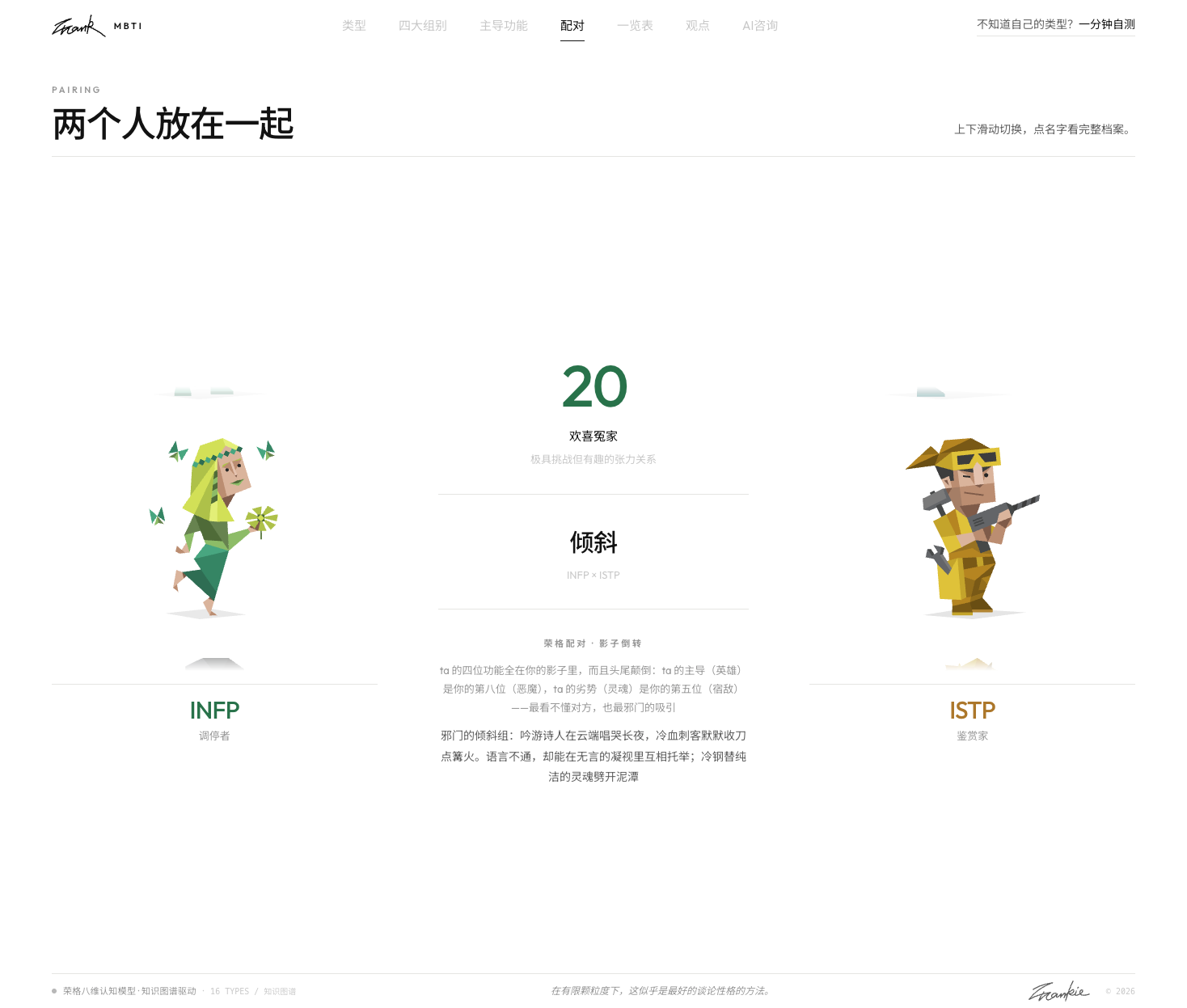
Choose two types and read how their function stacks relate. Names, scores and “best partner” labels are readings in this collection, not probabilities of relationship success.
Search the compact table across codes, nicknames, traits, functions and partner fields. Open a row for the same detailed profile.
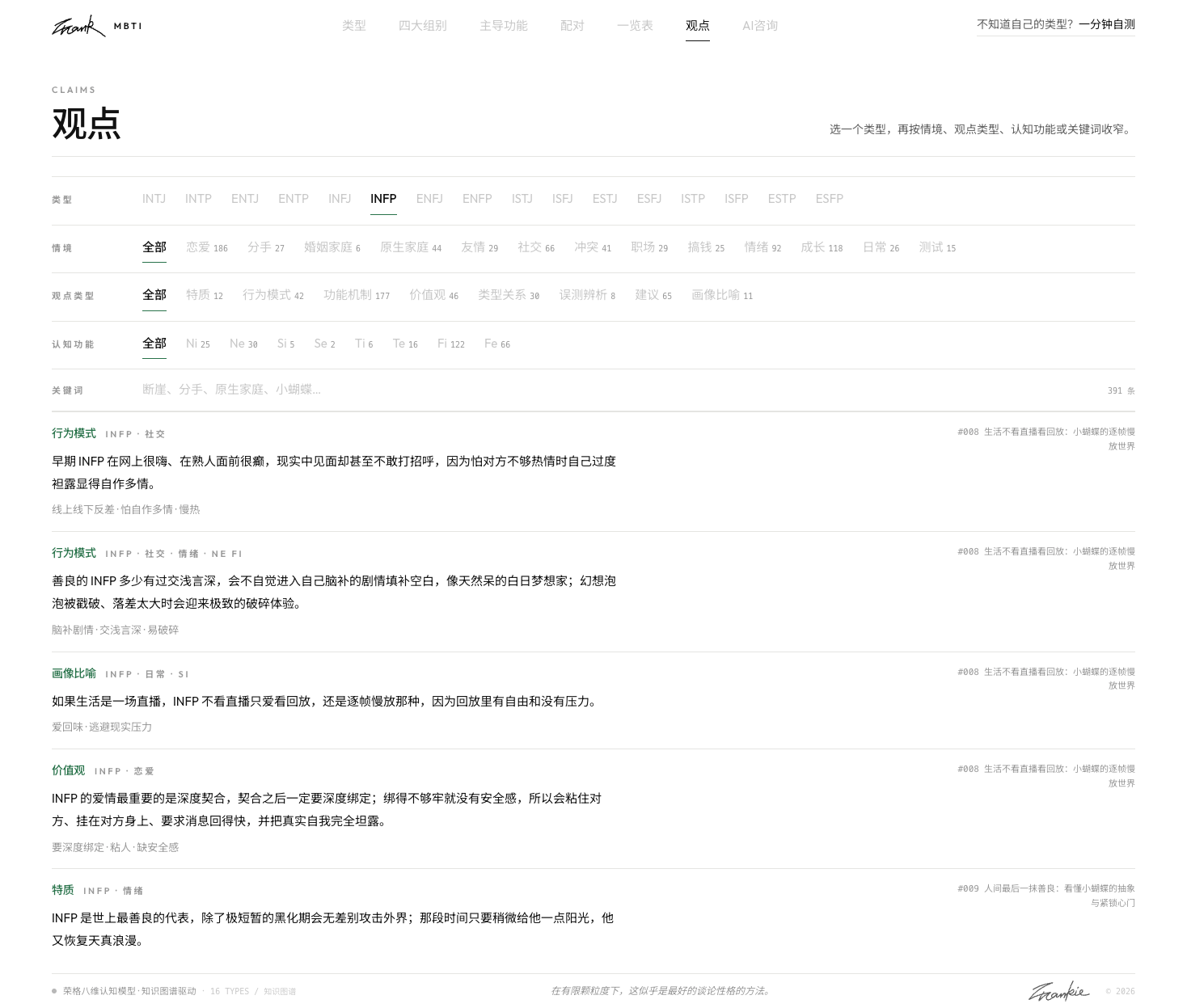
Claims lets you choose a type, then narrow by context, claim kind, cognitive function or keyword. Each result keeps its source number and title beside the statement. Claims about a whole group can also appear for its member types.
The source collection contains authored observations, metaphors and advice. A citation identifies where a statement came from; it does not turn a stereotype into a verified fact about a person.
Use the four switches. If unsure, the four-question shortcut picks one letter per answer and opens a starting profile. It is not the official MBTI assessment.
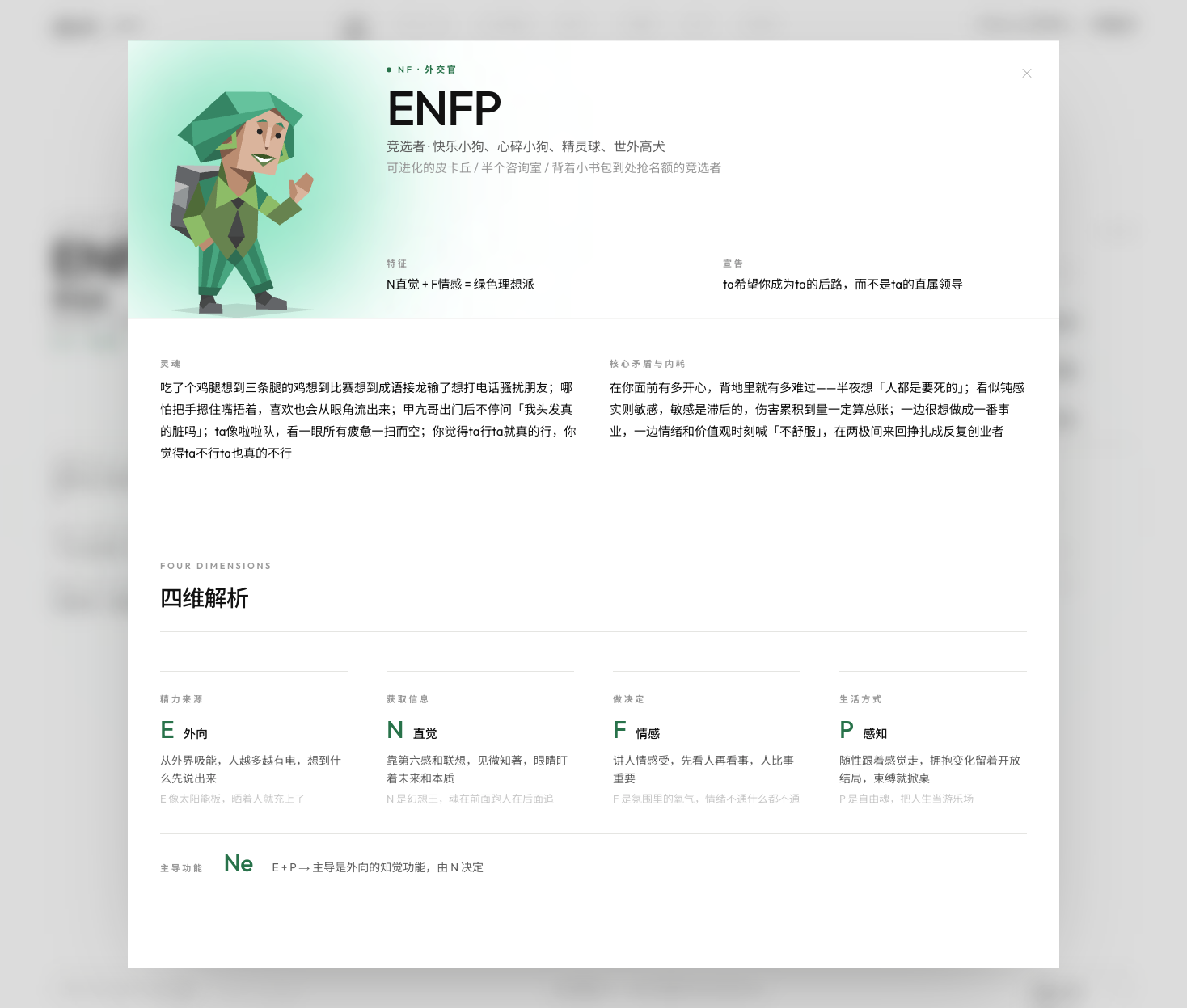
Read the profile, four-dimension explanation, function details and pairing interpretations. Switch one preference and compare what changes.
Use Groups, Functions or Index to browse. For a specific topic, open Claims and try a context such as work, friendship or growth.
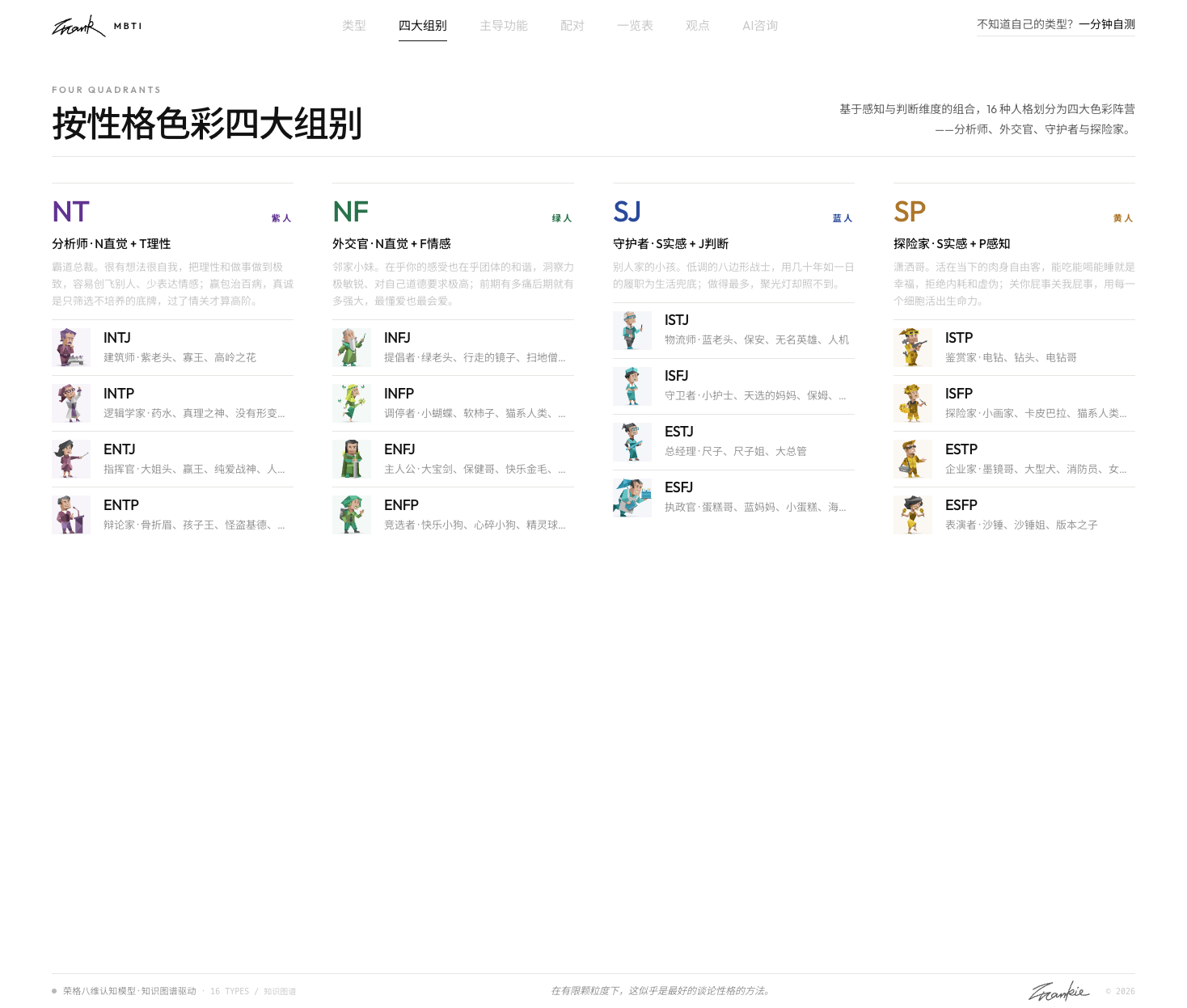
Profiles, groups, functions, pairings and the index use bundled data. They do not require an account or an AI key. Claims can use Neo4j, with the bundled collection as a server fallback.
Consult has type-exploration and discussion modes. The current implementation can send conversation history to a server-side Gemini model, optionally using a key entered in Settings. Without a configured key, it uses a limited rule-based collection lookup. A custom key and model choice can be retained in this browser; use only a device you trust.
Use the profiles as prompts for reflection and discussion. This independent app is not an official MBTI assessment, a diagnosis, or a way to determine someone’s ability or romantic suitability. The live app’s interface and collection are currently Chinese.
npm ci
npm run dev
Next.js serves the app and API routes. Core browsing works without graph or model credentials. Graph configuration and optional AI setup are documented in the repository.
Asset & content update guide ↗